
For many Metro Manila homes, offices, condos and small businesses, security systems are no longer optional background equipment. CCTV, smart locks, visitor access, alarms, lighting and networked monitoring now support daily safety, customer confidence and business continuity. The practical question is not only whether the site has security devices installed. The more important question is whether those systems will work reliably when a delivery arrives after hours, when rain affects visibility, when staff turnover changes access needs, or when an incident must be reviewed quickly.
- Reliable security depends on maintenance, not just installation.
- Homes, offices and retail sites should check cameras, access permissions, backups and power readiness before busier operating periods.
- Property managers and business owners benefit from a documented routine that confirms who can enter, what is recorded, and how incidents are reviewed.
- A practical security review can reduce blind spots, downtime, false confidence and costly emergency fixes.
Why security reliability matters now
Security expectations have changed. Families receive more online deliveries, condo residents expect smoother visitor handling, and offices often operate with hybrid teams, outsourced support and after-hours cleaning or maintenance. Retail shops and service businesses also manage extended opening hours, mobile payments, staff changes and deliveries that happen outside traditional schedules. These routines create more access points, more handovers and more moments when a weak system can become a real operational problem.
At the same time, Metro Manila sites face practical conditions that security equipment must tolerate: heavy rain, power interruptions, congested entrances, mixed-use buildings, shared parking, and busy lobbies. A camera that looked acceptable during installation may no longer cover the right angle after a layout change. A door lock may still open, but its access list may include people who no longer need entry. A recorder may be online, but old storage settings may overwrite footage too quickly. Reliability is the discipline of checking these details before they become urgent.
Security should protect routines, not just respond to incidents
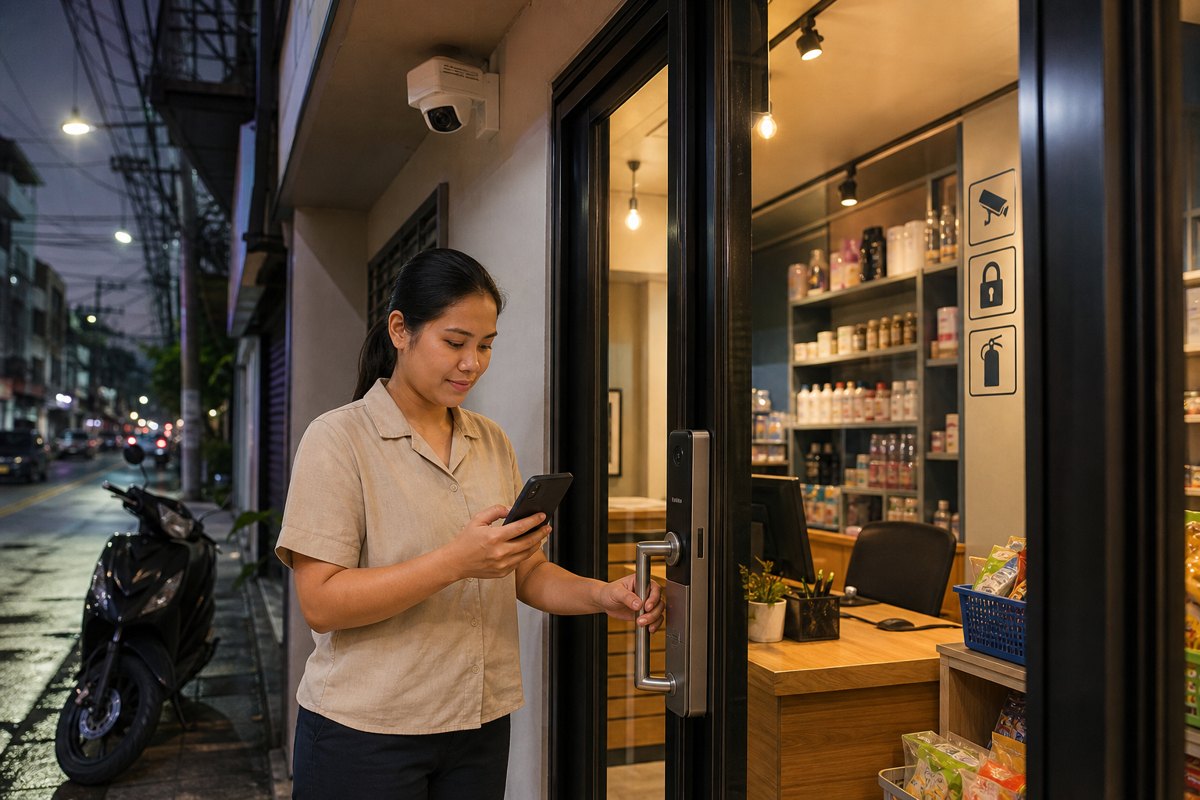
A good system helps people make safer decisions every day. For a family, that may mean confirming who is at the gate before opening the door. For a condo or apartment property, it may mean reviewing visitor access without creating long queues. For an office manager, it may mean knowing that authorized staff can enter smoothly while former employees, old contractors and expired cards are removed. For a shop owner, it may mean checking the sales floor, entrance and cashier area without leaving customers unattended.
These examples show why reliability is broader than crime prevention. It is also about continuity, accountability and confidence. When cameras, access control and alerts are dependable, people spend less time guessing. They can confirm events, coordinate with building security, settle disputes, protect assets and keep operations moving. When systems are neglected, the opposite happens: footage is missing, passwords are shared, notifications are ignored, and teams discover too late that the equipment they trusted was not capturing what mattered.
The reliability gaps that often appear over time
Most security problems do not start as dramatic failures. They develop quietly. A camera is shifted slightly during ceiling work. A Wi-Fi connection becomes unstable. A recorder fills faster because additional cameras were added. A smart lock battery warning is ignored. A visitor log process is used inconsistently. These small gaps can leave a home, office or building entrance exposed at the exact moment the system is needed.
Decision-makers should watch for five common reliability risks:
- Coverage drift: Cameras no longer see the main entrance, parking slot, cashier counter, storage room or delivery area clearly.
- Access creep: Old PINs, cards, app permissions or shared keys remain active after tenants, staff or contractors change.
- Storage weakness: Footage is overwritten too soon, difficult to retrieve, or saved without a clear naming and review process.
- Power and connectivity gaps: Routers, cameras, locks and recorders are not protected from interruptions or unstable connections.
- Human workflow issues: Staff do not know who receives alerts, who reviews footage, or what to do when a visitor or alarm issue occurs.
What a practical security maintenance review should include
A strong review starts with the actual risks and routines of the site. A townhouse, condo lobby, office reception area, warehouse corner and retail shop entrance do not need identical setups. The review should map where people enter, where valuable items are handled, where visitors wait, where staff work alone, and where incidents are most likely to require evidence. From there, the system can be checked against real use, not assumptions.
Camera checks should confirm angle, lighting, clarity, timestamps, recording status and storage retention. Access checks should confirm current users, role-based permissions, emergency access procedures, visitor handling and removal of inactive users. Alarm and sensor checks should confirm that alerts reach the right people and are not treated as background noise. Network and power checks should confirm that critical devices remain available during ordinary disruptions. Finally, the team should test incident review: can the responsible person find the right footage quickly and export it when needed?
Benefits for homes, offices and property teams
For homeowners and families, reliable security provides peace of mind without turning daily life into a complicated procedure. The right setup can help screen visitors, monitor deliveries, protect parking or perimeter areas, and support safer routines for children, elderly relatives and household staff. It also makes evidence easier to access if a package, vehicle, gate or shared space issue needs to be reviewed.
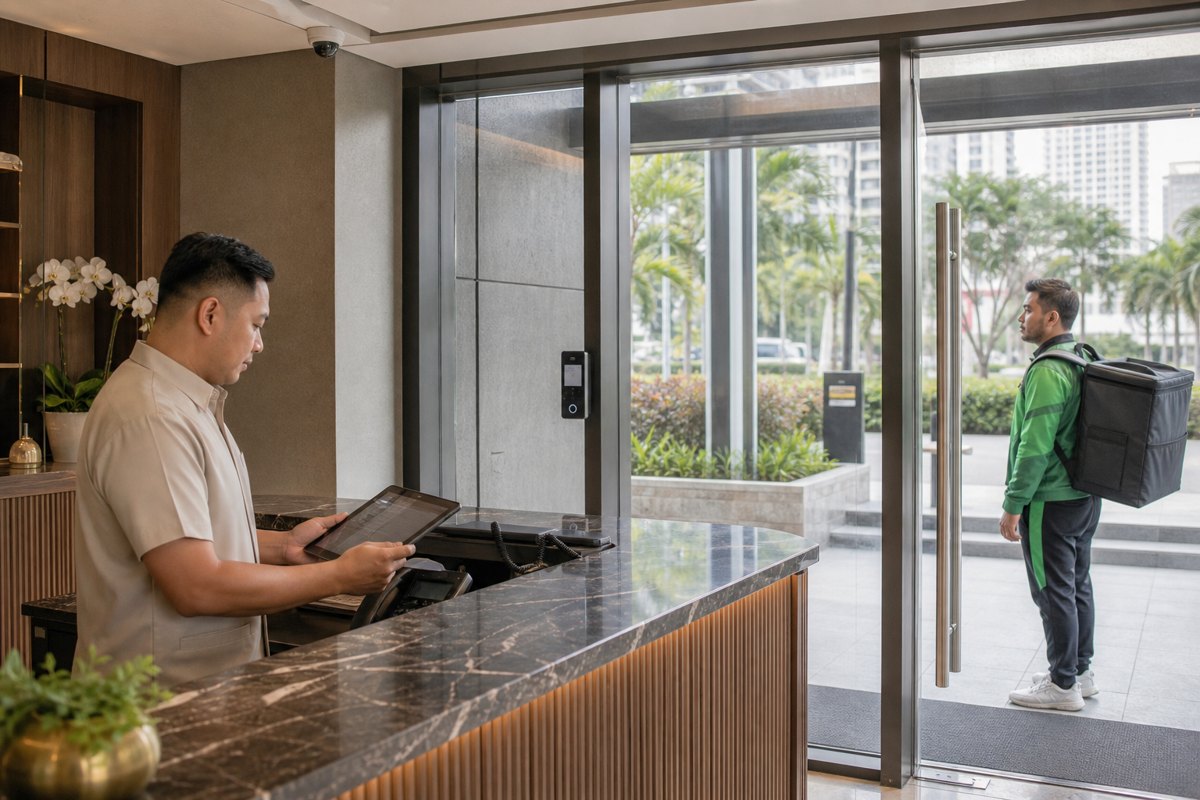
For offices and small businesses, reliability protects both people and operations. Clear access permissions reduce the risk of unauthorized entry. Working cameras can support HR, facilities, customer service and insurance-related reviews. A better closing-time routine can protect cash areas, inventory, devices and sensitive documents. For property managers, a dependable system helps answer resident concerns faster, coordinate with guards or administrators, and maintain a more professional building experience.
Reliability also helps control cost. Emergency repair is often more disruptive than planned maintenance. Replacing a failed recorder after an incident, rekeying locks because access was not managed, or installing new devices without reviewing existing blind spots can create unnecessary expense. A regular security review gives decision-makers a clearer basis for upgrades: what must be fixed now, what can be improved next, and what no longer serves the site.
Practical checklist for decision-makers
Check entrances, parking, reception, delivery areas, stock rooms, home gates and shared corridors during the hours when they are actually used.
Remove old users, avoid shared credentials where possible, and document who approves access for staff, tenants, contractors and visitors.
Confirm that footage is recording, timestamps are correct, retention is sufficient, and authorized people can retrieve clips quickly.
Confirm routers, recorders, cameras and locks have practical backup plans and that alerts reach a responsible person.
Prioritize blind spots, weak entrances, after-hours routines, shared access points and areas where incidents would be costly or hard to prove.
Choosing the right security partner
A reliable security partner should ask about daily operations before recommending equipment. The best solution for a condo lobby may emphasize visitor flow and access logs, while a retail shop may need sharper coverage of the entrance, cashier area and closing routine. A family home may need simple monitoring, smart access and dependable support that non-technical users can manage. The partner should also discuss maintenance, user training, documentation and future expansion, not only device specifications.
For Metro Manila and nearby areas, local context matters. A system should be practical for real buildings, real internet conditions, real staffing patterns and real budgets. Decision-makers should look for solutions that are easy to operate, clear to maintain and scalable as the property or business changes.
Make security reliability part of your operating plan
Infotouch helps homeowners, offices, property managers and businesses plan practical security and safety systems for real Philippine environments. If your CCTV, access control, smart lock, visitor process or security workflow has not been reviewed recently, now is the right time to check whether it can support your home, office or property when it matters.