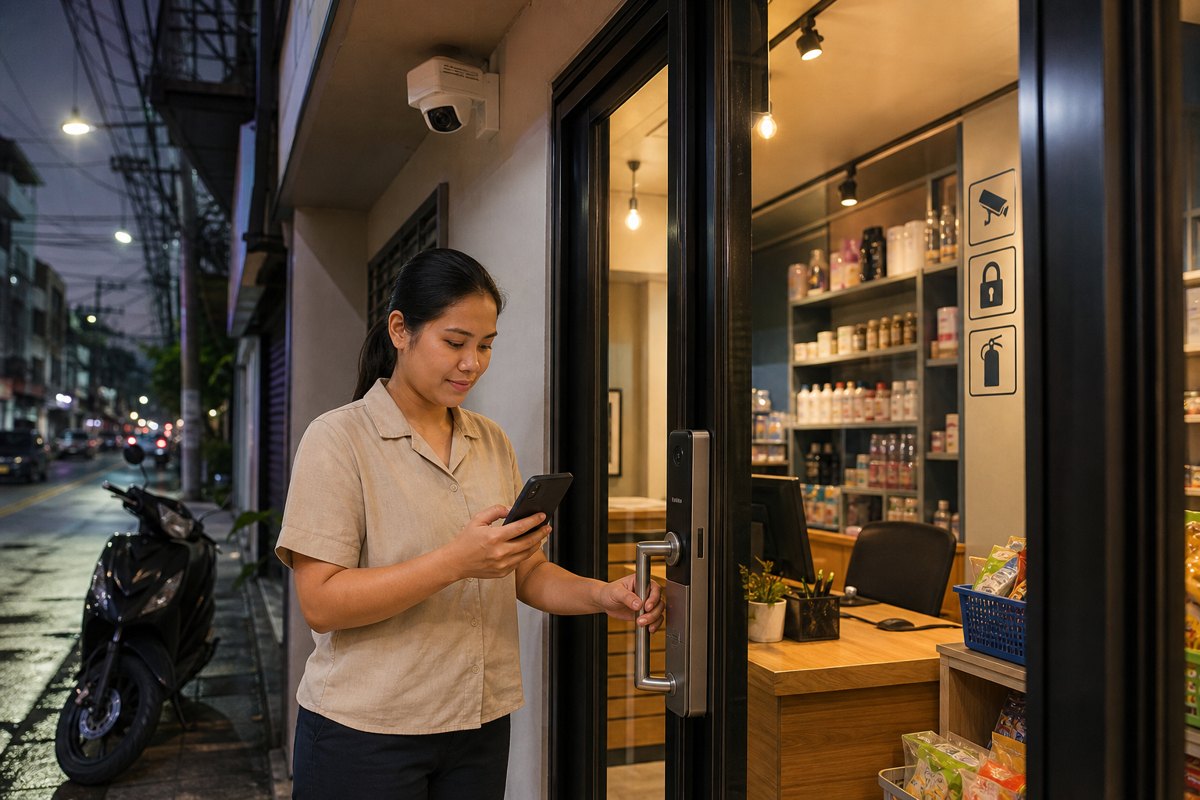
Security is only valuable when it keeps working in the exact moments people depend on it: late-night arrivals, courier handovers, rainy-season disruptions, building maintenance, short power interruptions, and busy operating hours. For Metro Manila homes, condos, offices, and retail spaces, the strongest security plan in 2026 is not simply adding more cameras or locks. It is building a reliable, power-ready security layer that protects people, assets, access points, and daily operations even when conditions are less than ideal.
Quick Summary: What Decision-Makers Should Prioritize
- Continuity matters: CCTV, access control, alarms, and network equipment should remain usable during short outages and unstable conditions.
- Security affects operations: Visitor access, deliveries, staff entry, parking gates, and incident review all depend on dependable systems.
- Reliability is designed: Good placement, backup power, secure cabling, storage planning, and maintenance schedules reduce blind spots and downtime.
- Philippine properties need practical setups: Solutions should match local layouts, condo rules, retail hours, weather exposure, and real user behavior.
Why Security Reliability Matters Now
Homes and workplaces in Metro Manila have become more connected and more operationally demanding. Families receive regular deliveries, condo lobbies manage visitors throughout the day, small offices handle hybrid work schedules, and retail shops often operate with lean staffing. At the same time, decision-makers must plan around traffic delays, changing weather, occasional power fluctuations, and higher expectations from residents, employees, and customers.
In this environment, security cannot be treated as a passive installation. A camera that records only when the network is stable, a door access reader that fails during a short outage, or a recorder with insufficient storage may create a false sense of safety. The practical question is no longer “Do we have CCTV?” but “Will our security system remain useful when an incident, interruption, or access issue happens?”
Reliable Security Protects More Than Property
For homeowners and families, reliable security provides peace of mind: knowing who entered, what happened near the gate, and whether vulnerable areas are monitored. For office managers and business owners, it supports accountability, attendance coordination, after-hours access, asset protection, and faster incident response. For property managers, it helps standardize visitor handling, reduce disputes, and maintain resident confidence.
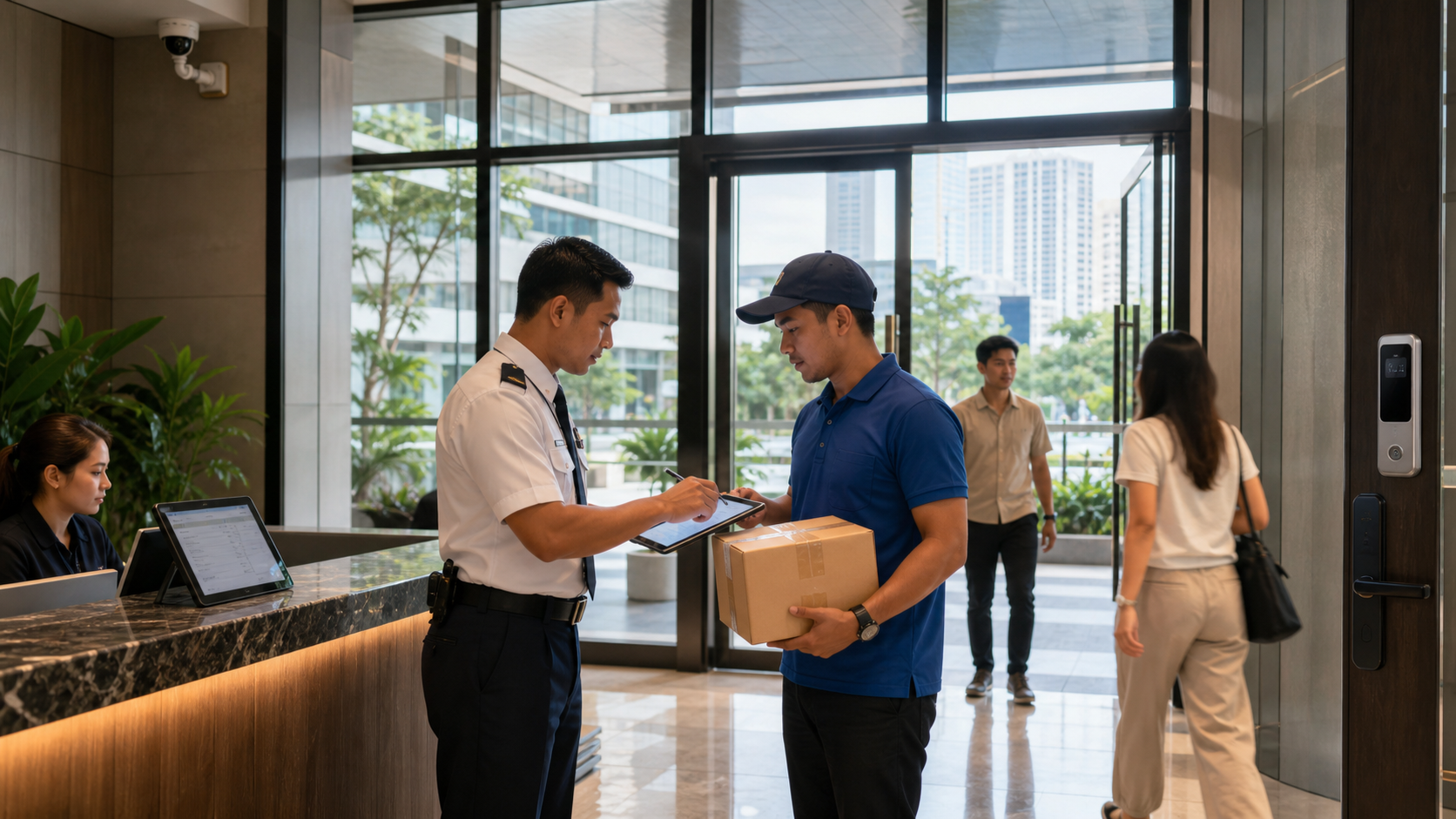
The value is especially clear when a routine activity becomes a risk point. A courier arrives while the homeowner is away. A staff member needs controlled access outside standard hours. A tenant reports a missing package. A customer incident happens near a retail entrance. A gate or lobby becomes congested during rain. In each case, the quality of the security system depends on coverage, uptime, timestamps, access logs, and the ability to review footage quickly.
The Core Components of Power-Ready Protection
1. CCTV coverage with practical visibility
Effective CCTV design begins with the places where decisions happen: entrances, receiving areas, counters, parking access, hallways, gates, and storage points. Cameras should be positioned to capture useful faces, actions, and movement paths, not just wide decorative views. For outdoor or semi-outdoor Philippine settings, weather-resistant placement and proper lighting are just as important as camera resolution.
2. Access control that fits daily routines
Smart locks, card readers, biometric readers, or keypad access systems should match how people actually enter the space. A condo unit, small office, warehouse room, or clinic reception area may each require a different approach. The goal is to reduce unauthorized access while keeping entry convenient for approved users. For businesses, logs can also help management understand who accessed sensitive areas and when.
3. Backup power for security essentials
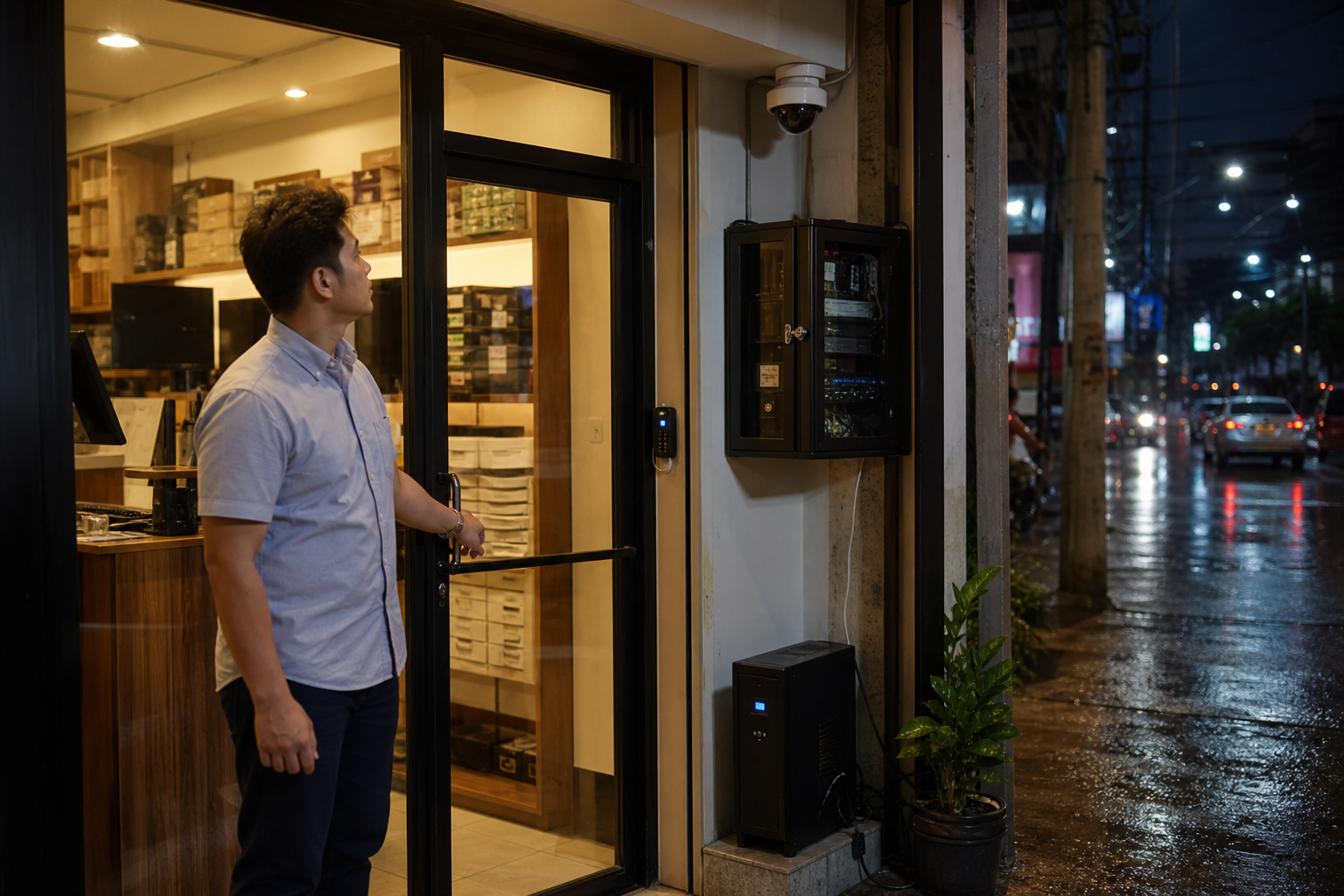
Short power interruptions can create security gaps if cameras, routers, network switches, recorders, and access devices shut down immediately. A practical setup identifies which devices are mission-critical and supports them with correctly sized backup power. This does not mean every device needs to run all day on backup; it means the most important security functions remain available long enough to bridge interruptions, record events, and avoid abrupt system failure.
4. Storage and remote access that support review
Footage is only useful if it can be found when needed. Homes and offices should plan retention based on realistic risk: delivery disputes, staff schedules, incident reporting timelines, and compliance requirements. Remote viewing should be configured securely, with strong passwords, controlled user access, and proper network setup. Convenience should not come at the expense of exposing cameras or recorders to unnecessary cyber risk.
How Reliability Supports Business Continuity
For companies, security reliability directly affects continuity. A retail shop that cannot review an incident may lose time resolving disputes. An office with weak after-hours control may expose equipment or records to unnecessary risk. A property manager without consistent lobby footage may struggle to answer resident complaints. When security tools fail, management often spends more time reconstructing events, checking manual logs, and handling avoidable uncertainty.
A dependable security system reduces that uncertainty. It allows teams to respond based on evidence, maintain operations with fewer interruptions, and communicate clearly with staff, tenants, customers, or family members. It also supports insurance documentation and internal investigations when incidents occur.
Decision Guide: What to Check Before Upgrading
List entrances, gates, counters, stockrooms, parking points, delivery areas, and common paths where incidents or access questions are most likely.
Decide which devices must remain online during short interruptions: cameras, NVR/DVR, router, switch, access reader, alarm, or intercom.
Check whether footage is clear enough for identification and stored long enough for realistic review cycles.
Avoid default passwords, uncontrolled account sharing, and exposed devices. Use properly configured access for owners, managers, and authorized staff.
Schedule camera cleaning, angle checks, firmware review, battery/UPS testing, and storage health checks before failures become urgent.
What a Practical Security Upgrade Looks Like
A homeowner may begin with a gate camera, video doorbell, smart lock, and backup-supported internet device for essential alerts. A condo or townhouse property may prioritize lobby cameras, visitor logging, elevator or hallway coverage, and clear delivery procedures. A small office may combine access control, CCTV, network video recording, and backup power for the router and recorder. A retail site may focus on entrance coverage, cashier visibility, stockroom access, and after-hours alerts.
The best solution is not necessarily the most complicated one. It is the setup that fits the site, keeps working under normal stress, and gives owners or managers the information they need at the right time.
Build Reliable Security with Infotouch
Infotouch helps homeowners, office managers, property teams, and business owners plan practical security and safety solutions for real Philippine environments. If you are reviewing CCTV coverage, access control, smart locks, visitor handling, backup power, or integrated protection for a home, condo, office, or retail site, our team can help you design a setup that is reliable, manageable, and aligned with your daily operations.