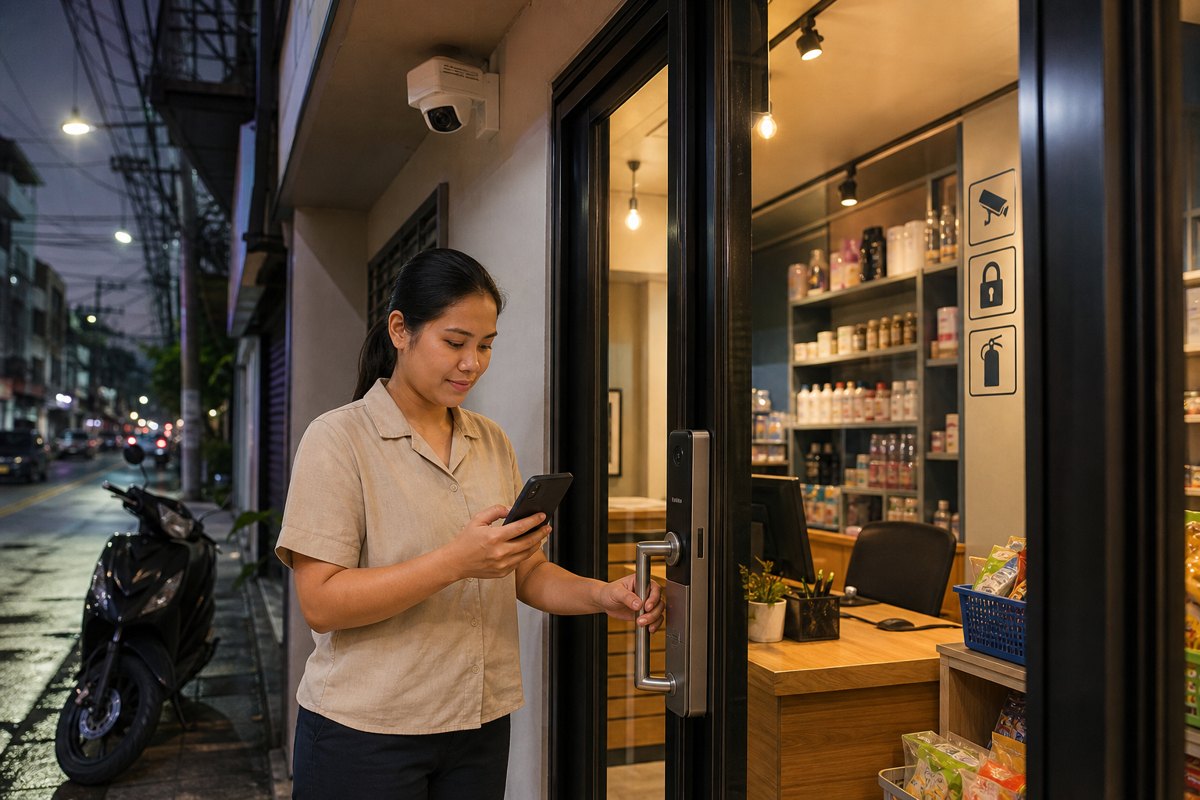
Security is no longer judged only by whether a camera is installed or a door has a lock. For Metro Manila homes, condominiums, offices, clinics, retail shops, and mixed-use properties, the more important question is whether the system can help people respond quickly and confidently when something actually happens.
Quick Summary: What Decision-Makers Should Prioritize
- Reliability matters more than feature count. Clear footage, stable recording, useful alerts, and dependable access logs are what help during real incidents.
- Security should support daily operations. The right setup protects residents, staff, assets, visitors, deliveries, and after-hours activity without creating unnecessary friction.
- Homes and offices need incident-ready design. Cameras, smart locks, alarms, backup power, storage, and maintenance should be planned as one working system.
- Modern properties need accountable records. When incidents involve visitors, contractors, staff movement, package handoff, or parking access, usable evidence reduces confusion and delays.
Why Incident-Ready Security Matters Now
Daily routines have changed. More families receive frequent deliveries. Many offices operate hybrid schedules. Small retail shops accept cashless payments, use evening deliveries, and depend on reliable opening and closing procedures. Condominiums manage more residents, visitors, couriers, service providers, and parking movements than ever before.
In this environment, security equipment must do more than look reassuring. It must capture the right areas, record clearly, alert the right people, and remain usable during power interruptions, network problems, rain, congestion, and busy building activity. A camera that misses faces, a lock that is bypassed, or an app alert that no one can interpret is not a reliable security plan.
Incident-ready security means designing around practical questions: who needs to enter, what should be recorded, where blind spots exist, how long footage should be retained, who receives alerts, and how quickly management can review evidence.
Reliability Starts with Clear Coverage
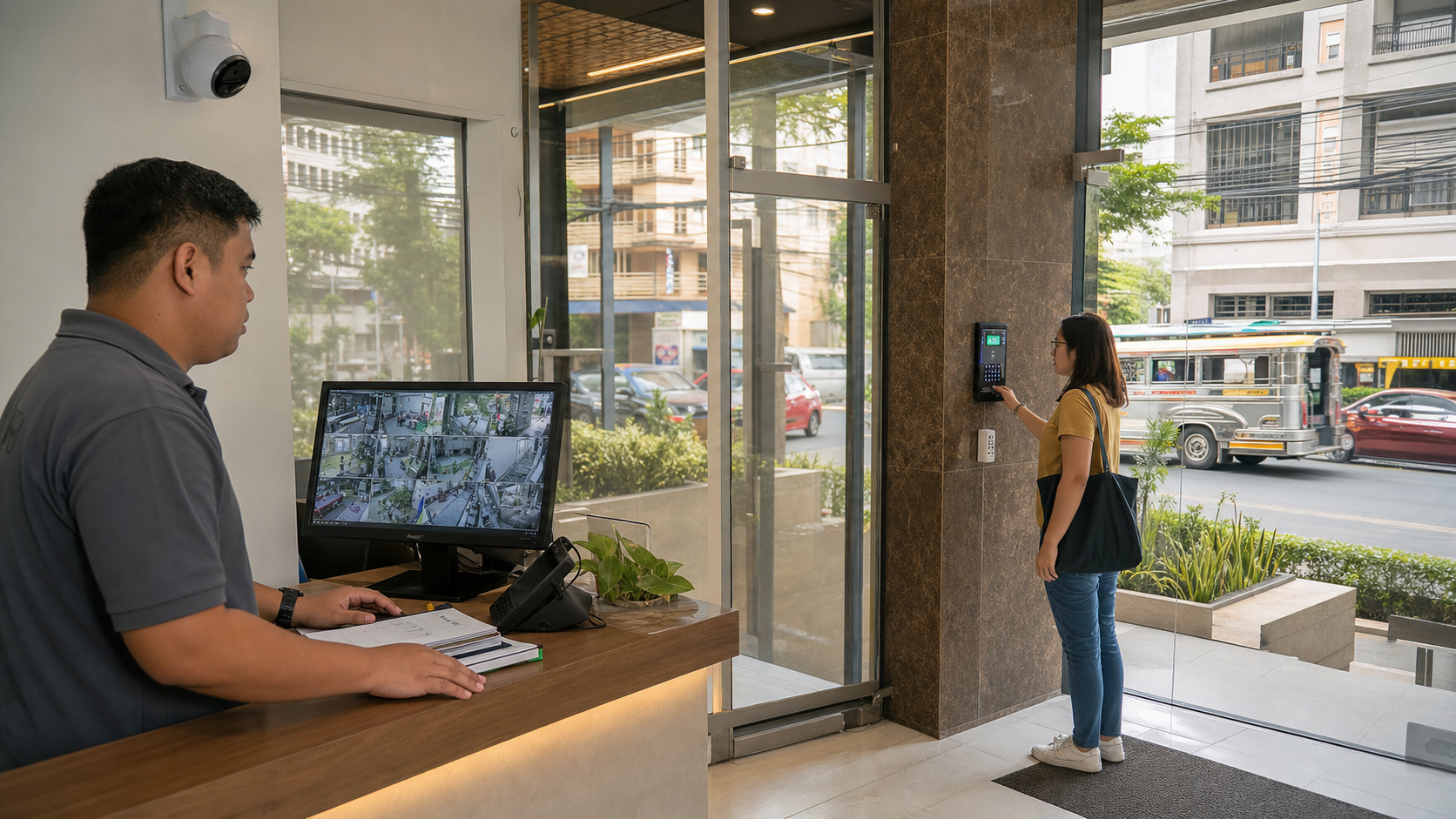
For many properties, the weakest point is not the absence of equipment. It is poor placement, low visibility, or a system that is difficult to review when time matters. A camera aimed too high may show movement but not faces. A camera facing glare may miss license plates or delivery details. A lobby camera may be useful during the day but weak at night.
Homes, offices, and shared properties should begin with zones of accountability: entrances, reception areas, stockrooms, parking access, package handoff areas, cashier counters, corridors, and perimeter points. The goal is not to watch everything. It is to record the moments that matter for safety, verification, and dispute resolution.
Clear coverage also supports peace of mind. A homeowner checking if a child arrived safely, an office manager confirming an after-hours contractor visit, or a shop owner reviewing a cash counter incident all need footage that is easy to find and easy to understand.
Access Control Turns Entry Points into Managed Decisions
Physical keys still have a place, but they are often hard to control in busy homes, offices, and rental or shared spaces. Keys can be copied, lost, borrowed, or passed around without a reliable record. For offices and managed properties, this can create avoidable risk when staff changes, contractors rotate, or tenants move out.
Smart locks, access cards, PINs, biometrics, and visitor access systems help decision-makers manage who can enter, when they can enter, and how access is revoked. The most useful setups are not necessarily the most complicated. They are the ones that match the site’s actual routines.
A small office may need separate access for managers, cleaning staff, and delivery personnel. A condo unit may need temporary access for relatives or trusted service providers. A retail shop may need opening and closing records tied to authorized staff. The value is accountability without slowing down legitimate movement.
Security Must Support Business Continuity
For businesses, security is also an operational continuity issue. A break-in, missing inventory, access dispute, damaged door, or unresolved staff incident can interrupt sales, delay service, increase insurance concerns, and affect customer confidence. Reliable records help managers act faster and make better decisions.
For property managers and facility teams, continuity also means reducing manual work. Instead of relying on incomplete logbooks or memory, teams can use recorded events, time stamps, and access histories to verify what happened.
Homes benefit from the same thinking. Safety incidents rarely happen at convenient times. A dependable system helps families confirm events, communicate with helpers or relatives, and respond calmly instead of guessing.
Alerts Should Be Useful, Not Noisy
Modern systems can send motion alerts, door alerts, tamper notifications, and device health warnings. But too many alerts can cause people to ignore them. A reliable design separates normal activity from important exceptions.
Decision-makers should consider which alerts truly require action. A gate opening during business hours may be normal. The same gate opening late at night may require a notification. A camera offline warning may be more important than a routine motion alert. A smart lock battery warning matters before it becomes an access problem.
Good alert planning improves response time because staff and owners know which events deserve attention. It also reduces anxiety for families and managers who do not want to be overwhelmed by constant notifications.
Storage, Backup Power, and Maintenance Are Part of Security
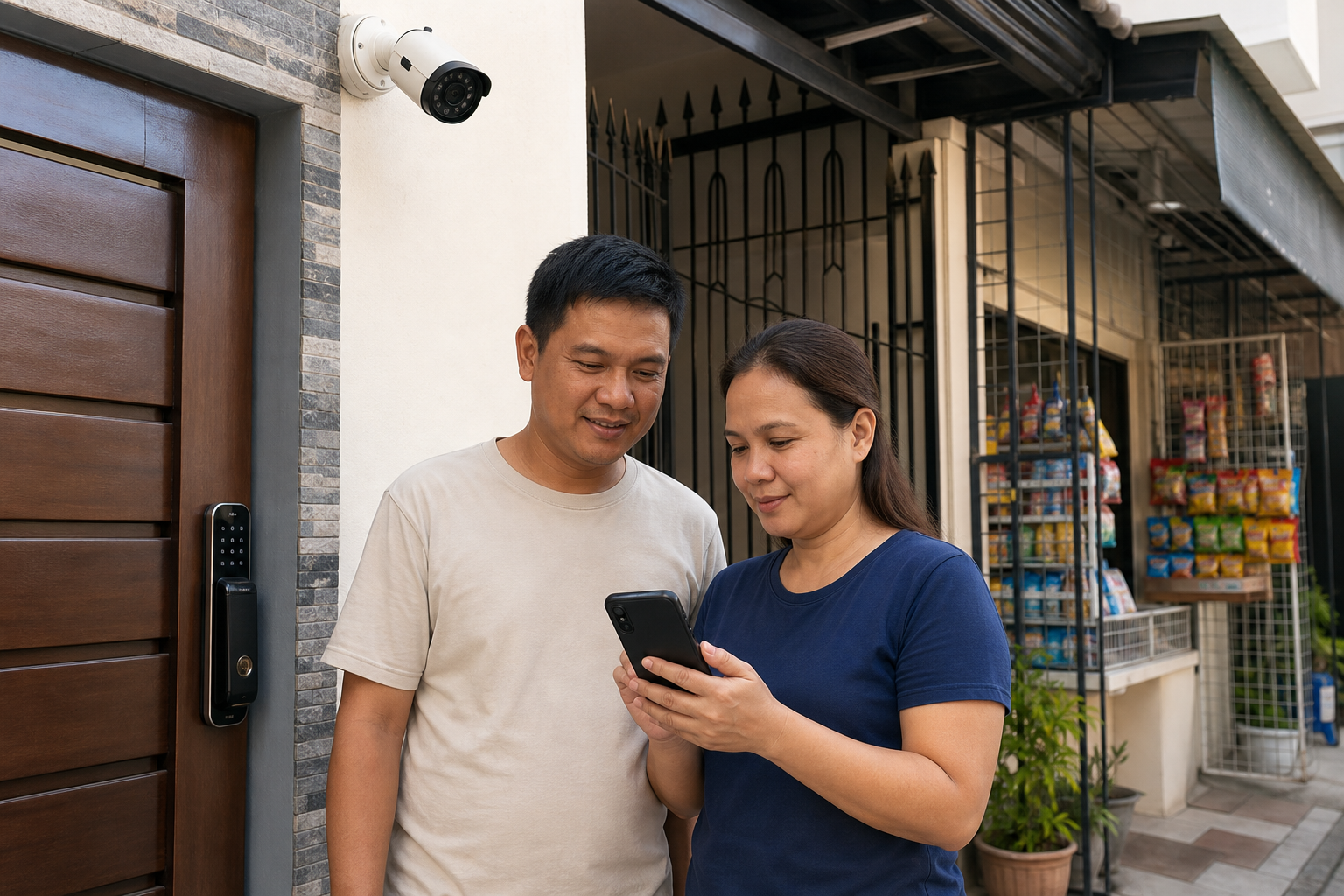
A system is only reliable if it continues working when conditions are imperfect. Metro Manila properties deal with power fluctuations, heavy rain, network instability, dust, heat, and everyday wear. These practical realities should influence the design.
For CCTV, storage should match the property’s risk level and review needs. A small shop may need enough retention to investigate inventory or cashier concerns. A condo or office may need longer retention for visitor disputes, parking incidents, or management review. Cloud, local, and hybrid storage options should be evaluated based on budget, privacy, internet reliability, and retrieval speed.
Backup power is equally important. If cameras, recorders, routers, and access devices shut down during an outage, the property may lose visibility when it is needed most.
Maintenance should not be treated as an afterthought. Camera angles shift, storage fills up, firmware ages, batteries drain, and users change roles. A scheduled review keeps the system aligned with current operations instead of slowly becoming unreliable.
Practical Decision Guide for Homes, Offices, and Managed Properties
Use this checklist before upgrading or installing a security system
- Identify critical zones: entrances, reception, parking, stockrooms, cashier areas, corridors, package areas, and perimeter points.
- Define access groups: owners, residents, staff, managers, contractors, visitors, delivery personnel, and temporary users.
- Plan evidence quality: face visibility, night performance, glare control, audio needs where appropriate, and easy footage retrieval.
- Confirm retention requirements: decide how many days of footage or logs are practical for your risk level and operations.
- Check power and network resilience: include backup power for essential devices and stable connectivity where alerts or remote viewing are needed.
- Assign response responsibility: clarify who receives alerts, who can review footage, and who can change access permissions.
- Schedule system reviews: test cameras, locks, storage, alerts, passwords, user lists, and device health regularly.
What a Reliable Setup Looks Like in Daily Use
For a homeowner, incident-ready security may mean a smart lock at the main door, a camera covering the gate, mobile alerts for unusual activity, and backup power for the router and recorder. The system helps the family verify arrivals, monitor deliveries, and respond to concerns while away from home.
For a small office, it may mean controlled staff access, lobby CCTV, after-hours alerts, and clear records for contractors or cleaning teams.
For a retail shop, it may mean cameras at the entrance, cashier area, stockroom, and storefront, with footage that can be reviewed quickly after a customer dispute, inventory concern, or closing-time incident. The result is not just security—it is smoother operations.
For property managers, the best setup combines shared-area visibility, documented access, visitor management, and a clear process for reviewing events. This helps protect residents, tenants, staff, and the property’s reputation.
The Right Security Partner Makes the System Practical
Reliable security depends on planning, installation quality, device selection, configuration, and support. A professional partner should translate daily routines into a workable design, explain trade-offs clearly, and avoid equipment that does not match the property’s needs.
The best results come from treating security as an operational system rather than a one-time purchase. Cameras, smart locks, alarms, storage, access credentials, mobile alerts, and maintenance should work together. When they do, homes feel safer, offices operate with more confidence, and property managers gain better control over daily risks.
Plan a More Reliable Security Setup with Infotouch
Infotouch helps homes, offices, retail locations, and managed properties in Metro Manila and nearby areas design practical security and safety solutions that support real-world use. If you are reviewing CCTV coverage, smart locks, access control, alerts, storage, or overall site readiness, our team can help you choose a setup built for reliability, accountability, and peace of mind.