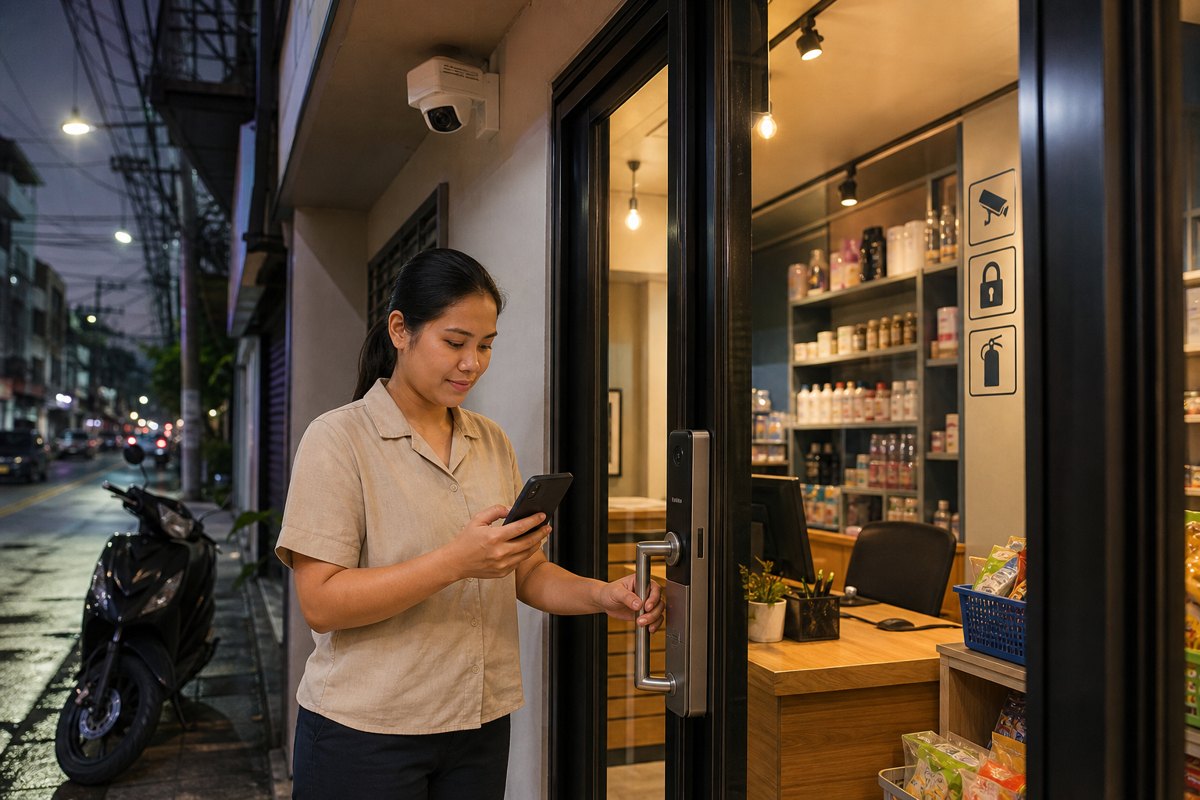
Security and safety planning in Metro Manila is no longer just about installing cameras at the front door or adding a lock to an office entrance. Homes, offices, warehouses, clinics, schools, and mixed-use properties now operate in a more demanding environment: hybrid work means facilities are occupied at irregular hours, deliveries arrive throughout the day, power and connectivity interruptions can affect monitoring, and property teams are expected to respond quickly without disrupting normal operations. In this context, the most valuable security system is not the one with the longest feature list. It is the one that remains reliable when people, assets, and business continuity depend on it.
For homeowners, office managers, business owners, property managers, and facility leaders, reliability-first security means designing the entire safety environment around uptime, visibility, and response. It combines CCTV, access control, alarms, intercoms, lighting, backup power, proper installation, secure remote monitoring, and accountable support into one practical operating model. The goal is simple: reduce preventable risk, improve peace of mind, and keep everyday activity moving even when conditions are not ideal.
Why reliability matters now
The practical risks facing homes and workplaces have become more operational than theoretical. A family may need to check who is at the gate while away from home. A condominium or office may need clear footage after an incident in a parking area. A small business may need to confirm deliveries after hours. A warehouse or clinic may need access logs to understand who entered a sensitive area. In each case, the question is not whether a security device exists. The question is whether it captured the right detail, stayed online, stored evidence securely, and made the information available to the right people at the right time.
This is why reliability should be treated as a management requirement, not only a technical specification. A camera with poor placement can miss faces and plate numbers. An access control system with weak user administration can create security gaps when staff change roles. A recorder without adequate backup or storage planning can lose important evidence. A remote viewing setup without strong credentials can introduce cyber risk. A site with no maintenance plan can slowly degrade until the system fails during the very incident it was meant to document.
What a reliable security environment looks like
A dependable security setup starts with risk-based design. Instead of placing devices wherever cabling is easiest, decision-makers should map the real movement of people, vehicles, visitors, contractors, deliveries, and staff. For homes, this often means gates, driveways, perimeter areas, service entrances, and common family access points. For offices and commercial sites, it includes reception areas, storage rooms, server or equipment rooms, stock handling areas, loading bays, parking spaces, and shared corridors. Good design focuses coverage on the points where decisions are made: who entered, what happened, when it happened, and whether a response is needed.
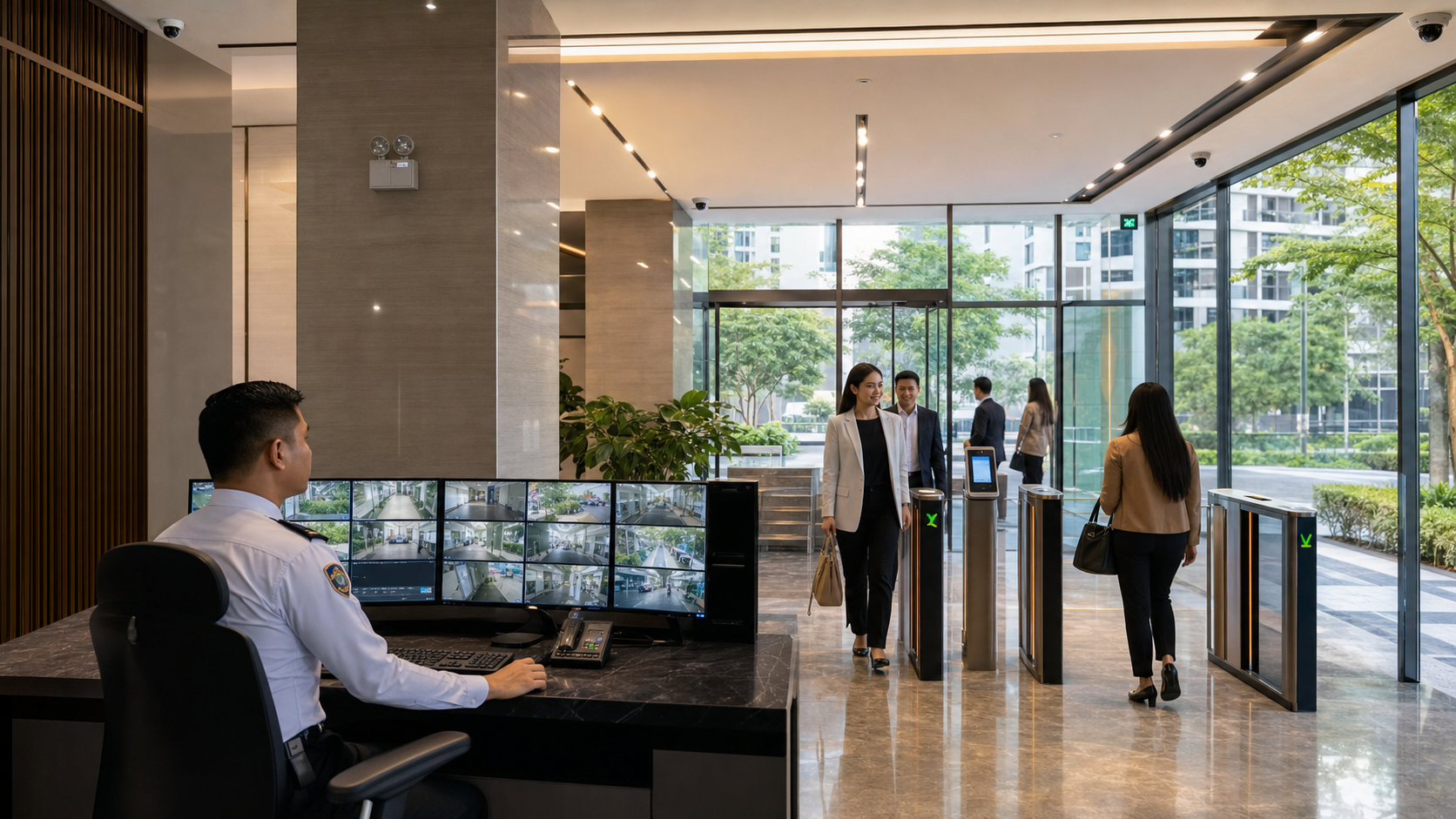
Reliability also depends on the quality of integration. CCTV becomes more useful when paired with access control, intercoms, alarms, and lighting. Access logs become more valuable when they can be correlated with video. Remote monitoring becomes safer when user permissions are managed properly. For property managers and office teams, this integrated approach reduces guesswork and speeds up incident review. Instead of searching across disconnected tools, authorized users can examine events in context and act with confidence.
- For a family residence, reliability may mean clear gate coverage, mobile alerts, visitor verification, backup storage, and a maintenance schedule before camera views become obstructed.
- For an office, it may mean role-based access credentials, monitored entry points, evidence retention policies, and procedures for staff turnover or lost cards.
- For a retail or service business, it may mean point-of-entry visibility, after-hours alerts, secure storage of footage, and quick review of delivery or customer incidents.
- For a warehouse or multi-site operation, it may mean centralized monitoring, network health checks, backup power, and standard installation practices across locations.
Business continuity is part of safety
Security is often discussed as a response to theft or intrusion, but for enterprises and professionally managed properties it is also part of business continuity. When an incident occurs, unclear footage, missing logs, or offline systems can create delays, disputes, and cost. A well-planned system helps teams verify facts quickly, coordinate with building administrators or authorities when necessary, and return to normal operations with less disruption. This matters for offices that must protect employees, retailers that must keep customer trust, and property managers that must maintain confidence among tenants and residents.
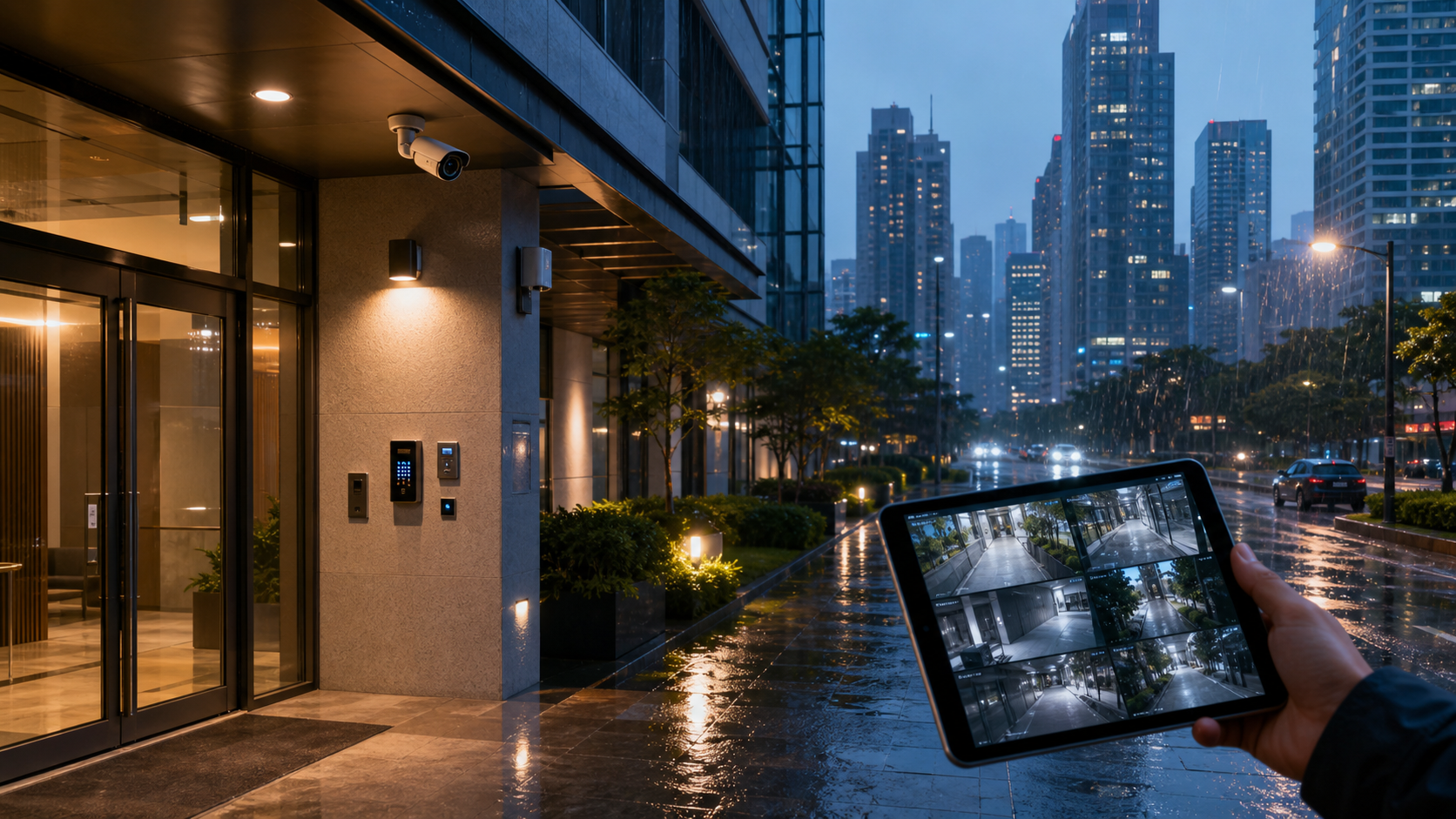
Continuity also includes environmental resilience. Metro Manila properties must think about heat, rain, humidity, electrical stability, and network availability. Outdoor cameras need proper weather-rated hardware and installation. Critical equipment should be protected by surge management and appropriate backup power. Networked systems should be configured so that temporary internet issues do not eliminate local recording. Storage should be sized for the retention period the organization actually needs, rather than whatever the default configuration happens to provide.
Peace of mind comes from clear accountability
For families and business leaders, peace of mind does not come from technology alone. It comes from knowing that the system has been designed, installed, documented, and supported properly. Decision-makers should understand who can view footage, who receives alerts, how long recordings are retained, how users are removed when staff leave, and who is responsible for maintenance. These governance details are especially important for offices, clinics, schools, residential communities, and businesses that handle sensitive assets or personal information.
Professional support makes a major difference. A reliable security partner should be able to assess the site, recommend practical coverage, explain trade-offs, install cleanly, configure access securely, and support the system after deployment. This reduces the burden on internal teams and helps avoid common problems such as blind spots, weak passwords, unmanaged user accounts, insufficient storage, overloaded networks, and unclear response procedures.
Decision-making guidance for homes and offices
Before investing in new equipment or upgrading an existing installation, leaders should begin with outcomes rather than product names. What areas need continuous visibility? Which events require alerts? Who should have remote access? What retention period is required for evidence? Which doors, gates, rooms, or cabinets need controlled access? What happens if power or internet service is interrupted? These questions turn security from a simple purchase into a practical operating plan.
- Prioritize coverage quality over device count. Fewer cameras placed correctly are often more useful than many poorly positioned cameras.
- Plan for power, network, and storage reliability. Uptime and evidence retention should be specified at the start of the project.
- Use role-based access and strong credential practices. Remote viewing and admin rights should be limited to authorized users.
- Document responsibilities. Assign who reviews alerts, manages users, checks system health, and requests maintenance.
- Choose scalable systems. Homes, offices, and multi-site businesses should be able to add doors, cameras, storage, or monitoring capacity without starting over.
For many Metro Manila properties, the strongest approach is a phased upgrade. A homeowner may begin with perimeter cameras and intercom verification, then add smart alerts and backup storage. An office may begin with access control at key entry points, then integrate CCTV and visitor management. A growing business may standardize surveillance and monitoring across multiple branches. Phasing keeps investment practical while moving the site toward a more resilient security posture.
The Infotouch advantage
Infotouch helps homes, offices, and businesses implement security and safety systems that are designed for real-world reliability, not just showroom specifications. From CCTV and access control to remote monitoring, structured deployment, and practical site guidance, the focus is on protecting people, assets, and operations with solutions that fit the property and the way it is used every day.
If your home, office, building, or business site needs better visibility, stronger access control, more dependable monitoring, or a professional review of an existing setup, now is the right time to act. Contact Infotouch to discuss a reliability-first security assessment and build a safety plan that supports peace of mind, operational continuity, and long-term protection.