Category: Cybersecurity

  • Rainy-Season Security for Metro Manila

    Rainy-Season Security for Metro Manila

    Metro Manila homes and offices are operating in a more demanding environment: heavier rainy-season disruption, more hybrid work, more valuable devices on-site, and higher expectations for uninterrupted service. Security and safety systems can no longer be treated as passive equipment that only matters after an incident. They have become part of everyday operational resilience.

    For homeowners, that resilience means knowing that family members, household staff, deliveries, vehicles, and entry points are protected even when schedules change or weather reduces visibility. For office managers and business owners, it means protecting people, assets, records, tenants, customers, and daily operations without creating friction for legitimate users. In both settings, reliability is the real standard: the system must work when the building is busy, when the owner is away, when power fluctuates, and when fast decisions are needed.

    Metro Manila office security monitoring area with backup power and access control
    A reliable office safety setup combines surveillance, access control, alerting, and backup power so teams can respond calmly during bad weather or disruptions.

    Why reliability matters more during the rainy season

    Rain does not only create inconvenience. It changes risk conditions around properties. Visibility drops at gates and parking areas. Deliveries and visitor arrivals become harder to screen quickly. Flood-prone access roads can delay guards, technicians, and emergency responders. Power interruptions and unstable connectivity can also expose weak points in CCTV, alarms, access control, and intercom systems.

    A reliable security and safety program anticipates these conditions. Cameras should maintain clear coverage in low light and bad weather. Access systems should continue to record entries even when internet service is unstable. Alarm notifications should reach the right people through more than one channel. Critical devices should have appropriate backup power. Most importantly, the people responsible for the site should know what the system is telling them and what action to take next.

    Protection is now a continuity issue, not just a security issue

    In an office, a security gap can quickly become an operational problem. A failed door controller can delay employees at opening time. A non-recording camera can complicate incident review. A weak visitor process can expose confidential areas. A poorly placed sensor can create false alarms that teams start ignoring. These are not isolated technical concerns; they affect productivity, accountability, insurance discussions, tenant confidence, and management decision-making.

    Homes face similar continuity concerns at a personal scale. Families need confidence that entry points are monitored, that household helpers and service providers can be managed responsibly, and that elderly relatives or children are safer when adults are away. The value of the system is not only in deterring theft. It is in reducing uncertainty and providing reliable information during everyday situations: a late delivery, an unfamiliar visitor, a gate left open, a tripped alarm, or an incident at the garage.

    What a modern reliable setup should include

    A strong home or office safety environment is built in layers. CCTV remains essential, but it should be designed for usable coverage rather than simply maximum camera count. Entrances, exits, reception areas, parking spaces, perimeter lines, stock rooms, server rooms, and cash-handling zones should be evaluated based on actual movement patterns and risk exposure. The goal is clear evidence, fast review, and practical visibility for the people who manage the site.

    Access control adds accountability. Instead of relying only on keys or informal gatekeeping, businesses can manage who enters specific areas and when. Homes and residential properties can apply the same principle through video door stations, controlled gate access, and documented visitor procedures. When access records are combined with camera footage, managers gain a much clearer timeline of events.

    Alarms, sensors, lighting, and emergency devices complete the safety layer. Motion sensors, door contacts, panic buttons, smoke or environmental alerts, and emergency lighting can reduce response time when something unusual happens. For offices, these systems should be aligned with site procedures: who receives alerts, who verifies them, who contacts responders, and who documents the incident. For homes, the design should be simple enough for family members and trusted staff to use consistently.

    Secure home and office entrance with CCTV lighting and video access after rain
    Homes and offices benefit from layered protection: visible deterrence, clear entry records, smart lighting, and safe access procedures.

    Practical examples for homes, offices, and managed properties

    Consider a small office in Makati or Pasig that handles client documents and after-hours cleaning. Reliable security means the main entrance, reception, file storage, and server cabinet are monitored; staff and service providers have appropriate access schedules; and management can verify an event remotely without relying on guesswork. If rain delays an employee opening the office, access logs and remote viewing can help managers coordinate safely.

    For a home in Quezon City, Parañaque, or nearby residential communities, the priority may be entry visibility, perimeter deterrence, and safer household routines. A well-planned setup can show who approached the gate, whether a package was received, whether lights activated at the right time, and whether alerts were sent when a door opened unexpectedly. The benefit is peace of mind supported by evidence, not constant worry.

    For property managers, reliability is even more important because one weak point can affect multiple tenants or families. Common areas, parking, lobbies, utility rooms, and service entrances need consistent monitoring and clear accountability. A system that is easy to maintain, expandable, and supported locally reduces downtime and helps management respond professionally when residents or tenants raise concerns.

    Decision-making guidance before upgrading

    Before purchasing devices, decision-makers should start with a site review. Identify the most important assets, the busiest movement paths, the most vulnerable entry points, and the situations that would cause the greatest disruption. This prevents under-designed systems that miss critical areas and over-designed systems that are expensive but difficult to use.

    Second, evaluate reliability requirements. Ask whether cameras still record during internet downtime, how long backup power should support essential equipment, who can access recordings, how alerts are escalated, and how quickly support can respond if something fails. For businesses, these answers should be documented as part of site operations. For homes, they should be translated into simple routines everyone can follow.

    Third, choose solutions that can scale. A family may later add a second gate camera, smart lighting, or additional sensors. An office may expand to another floor, add restricted rooms, or require remote management for multiple branches. Selecting compatible, serviceable, and professionally installed equipment protects the investment and reduces future rework.

    The business case: fewer blind spots, faster response, stronger confidence

    The return on a reliable security and safety system is not limited to avoiding major incidents. It also appears in smaller daily improvements: faster incident verification, fewer disputes, better visitor control, improved staff confidence, stronger tenant satisfaction, and reduced management time spent reconstructing what happened. For companies, that can mean smoother operations and better protection of sensitive areas. For homeowners, it means a safer, more manageable property.

    Reliability also supports better accountability. Clear footage, accurate logs, and timely alerts help owners and managers make decisions based on facts. During rainy-season disruptions or high-traffic periods, that evidence can be the difference between a quick resolution and a costly misunderstanding.

    Build security that works when conditions are not ideal

    The best time to improve home and office security is before the next disruption reveals a weakness. Metro Manila properties need systems designed not only for normal days, but also for rain, outages, busy schedules, after-hours activity, and remote decision-making. A dependable setup protects people, supports operations, and gives owners the confidence to act quickly when something needs attention.

    Infotouch can help homeowners, office managers, business owners, and property managers design practical, reliable security and safety solutions for real-world conditions. If you are planning a new CCTV, access control, alarm, or integrated safety upgrade for a home, office, or managed property in Metro Manila or nearby areas, contact Infotouch to discuss a setup that fits your site, risks, and operational needs.
  • Reliable Security for Homes & Offices

    Reliable Security for Homes & Offices

    Security and safety planning in Metro Manila is no longer just about installing cameras at the front door or adding a lock to an office entrance. Homes, offices, warehouses, clinics, schools, and mixed-use properties now operate in a more demanding environment: hybrid work means facilities are occupied at irregular hours, deliveries arrive throughout the day, power and connectivity interruptions can affect monitoring, and property teams are expected to respond quickly without disrupting normal operations. In this context, the most valuable security system is not the one with the longest feature list. It is the one that remains reliable when people, assets, and business continuity depend on it.

    For homeowners, office managers, business owners, property managers, and facility leaders, reliability-first security means designing the entire safety environment around uptime, visibility, and response. It combines CCTV, access control, alarms, intercoms, lighting, backup power, proper installation, secure remote monitoring, and accountable support into one practical operating model. The goal is simple: reduce preventable risk, improve peace of mind, and keep everyday activity moving even when conditions are not ideal.

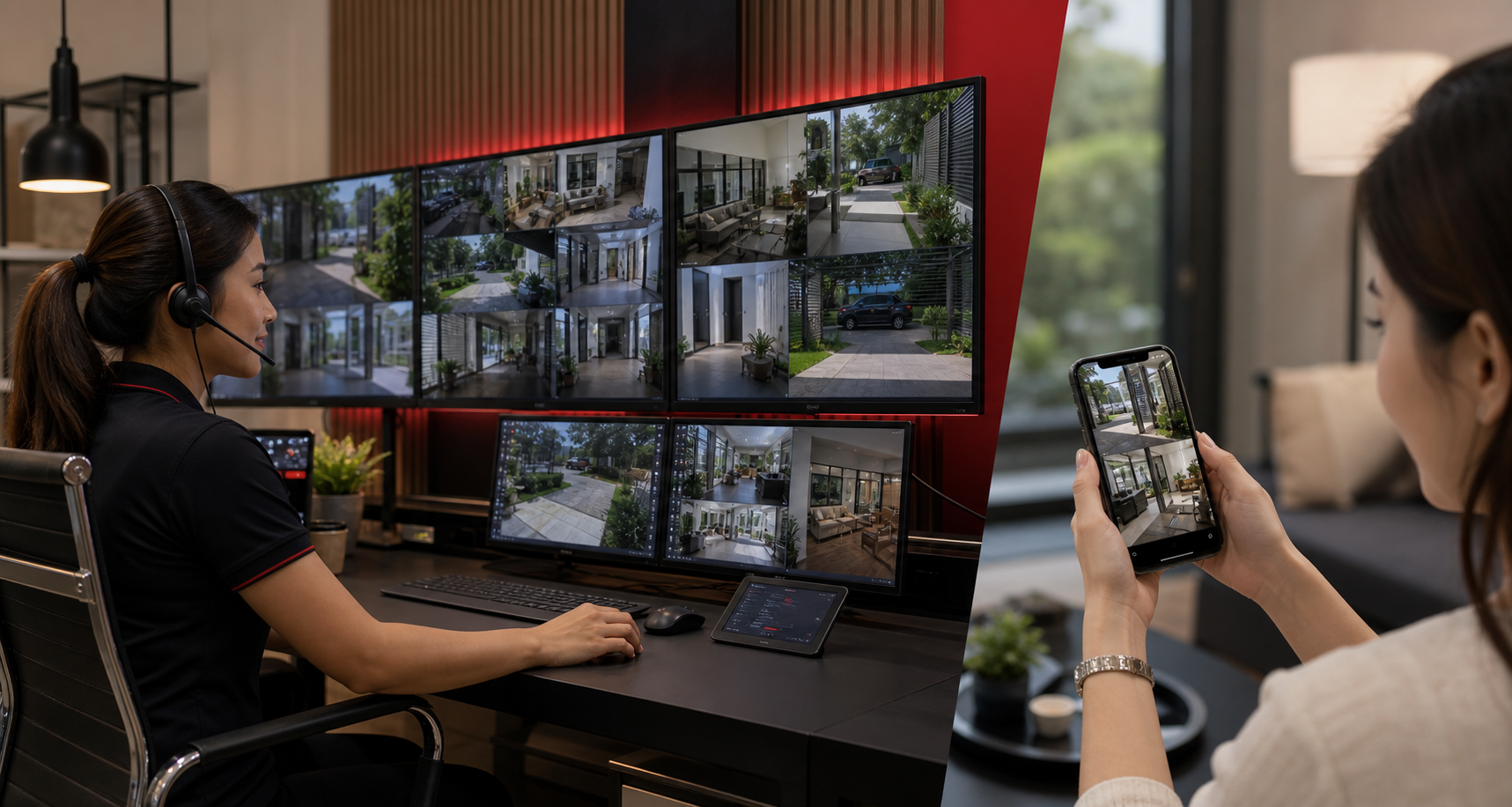
    Metro Manila property security operations with CCTV, access control, and monitoring dashboard
    Integrated security operations help homes, offices, and mixed-use sites maintain visibility and control.

    Why reliability matters now

    The practical risks facing homes and workplaces have become more operational than theoretical. A family may need to check who is at the gate while away from home. A condominium or office may need clear footage after an incident in a parking area. A small business may need to confirm deliveries after hours. A warehouse or clinic may need access logs to understand who entered a sensitive area. In each case, the question is not whether a security device exists. The question is whether it captured the right detail, stayed online, stored evidence securely, and made the information available to the right people at the right time.

    This is why reliability should be treated as a management requirement, not only a technical specification. A camera with poor placement can miss faces and plate numbers. An access control system with weak user administration can create security gaps when staff change roles. A recorder without adequate backup or storage planning can lose important evidence. A remote viewing setup without strong credentials can introduce cyber risk. A site with no maintenance plan can slowly degrade until the system fails during the very incident it was meant to document.

    What a reliable security environment looks like

    A dependable security setup starts with risk-based design. Instead of placing devices wherever cabling is easiest, decision-makers should map the real movement of people, vehicles, visitors, contractors, deliveries, and staff. For homes, this often means gates, driveways, perimeter areas, service entrances, and common family access points. For offices and commercial sites, it includes reception areas, storage rooms, server or equipment rooms, stock handling areas, loading bays, parking spaces, and shared corridors. Good design focuses coverage on the points where decisions are made: who entered, what happened, when it happened, and whether a response is needed.

    Reliability also depends on the quality of integration. CCTV becomes more useful when paired with access control, intercoms, alarms, and lighting. Access logs become more valuable when they can be correlated with video. Remote monitoring becomes safer when user permissions are managed properly. For property managers and office teams, this integrated approach reduces guesswork and speeds up incident review. Instead of searching across disconnected tools, authorized users can examine events in context and act with confidence.

    • For a family residence, reliability may mean clear gate coverage, mobile alerts, visitor verification, backup storage, and a maintenance schedule before camera views become obstructed.
    • For an office, it may mean role-based access credentials, monitored entry points, evidence retention policies, and procedures for staff turnover or lost cards.
    • For a retail or service business, it may mean point-of-entry visibility, after-hours alerts, secure storage of footage, and quick review of delivery or customer incidents.
    • For a warehouse or multi-site operation, it may mean centralized monitoring, network health checks, backup power, and standard installation practices across locations.

    Business continuity is part of safety

    Security is often discussed as a response to theft or intrusion, but for enterprises and professionally managed properties it is also part of business continuity. When an incident occurs, unclear footage, missing logs, or offline systems can create delays, disputes, and cost. A well-planned system helps teams verify facts quickly, coordinate with building administrators or authorities when necessary, and return to normal operations with less disruption. This matters for offices that must protect employees, retailers that must keep customer trust, and property managers that must maintain confidence among tenants and residents.

    Continuity also includes environmental resilience. Metro Manila properties must think about heat, rain, humidity, electrical stability, and network availability. Outdoor cameras need proper weather-rated hardware and installation. Critical equipment should be protected by surge management and appropriate backup power. Networked systems should be configured so that temporary internet issues do not eliminate local recording. Storage should be sized for the retention period the organization actually needs, rather than whatever the default configuration happens to provide.

    Reliable CCTV and access control supporting home and office safety during heavy rain
    Security reliability includes weather-aware placement, backup power, remote monitoring, and responsive support.

    Peace of mind comes from clear accountability

    For families and business leaders, peace of mind does not come from technology alone. It comes from knowing that the system has been designed, installed, documented, and supported properly. Decision-makers should understand who can view footage, who receives alerts, how long recordings are retained, how users are removed when staff leave, and who is responsible for maintenance. These governance details are especially important for offices, clinics, schools, residential communities, and businesses that handle sensitive assets or personal information.

    Professional support makes a major difference. A reliable security partner should be able to assess the site, recommend practical coverage, explain trade-offs, install cleanly, configure access securely, and support the system after deployment. This reduces the burden on internal teams and helps avoid common problems such as blind spots, weak passwords, unmanaged user accounts, insufficient storage, overloaded networks, and unclear response procedures.

    Decision-making guidance for homes and offices

    Before investing in new equipment or upgrading an existing installation, leaders should begin with outcomes rather than product names. What areas need continuous visibility? Which events require alerts? Who should have remote access? What retention period is required for evidence? Which doors, gates, rooms, or cabinets need controlled access? What happens if power or internet service is interrupted? These questions turn security from a simple purchase into a practical operating plan.

    • Prioritize coverage quality over device count. Fewer cameras placed correctly are often more useful than many poorly positioned cameras.
    • Plan for power, network, and storage reliability. Uptime and evidence retention should be specified at the start of the project.
    • Use role-based access and strong credential practices. Remote viewing and admin rights should be limited to authorized users.
    • Document responsibilities. Assign who reviews alerts, manages users, checks system health, and requests maintenance.
    • Choose scalable systems. Homes, offices, and multi-site businesses should be able to add doors, cameras, storage, or monitoring capacity without starting over.

    For many Metro Manila properties, the strongest approach is a phased upgrade. A homeowner may begin with perimeter cameras and intercom verification, then add smart alerts and backup storage. An office may begin with access control at key entry points, then integrate CCTV and visitor management. A growing business may standardize surveillance and monitoring across multiple branches. Phasing keeps investment practical while moving the site toward a more resilient security posture.

    The Infotouch advantage

    Infotouch helps homes, offices, and businesses implement security and safety systems that are designed for real-world reliability, not just showroom specifications. From CCTV and access control to remote monitoring, structured deployment, and practical site guidance, the focus is on protecting people, assets, and operations with solutions that fit the property and the way it is used every day.

    If your home, office, building, or business site needs better visibility, stronger access control, more dependable monitoring, or a professional review of an existing setup, now is the right time to act. Contact Infotouch to discuss a reliability-first security assessment and build a safety plan that supports peace of mind, operational continuity, and long-term protection.

  • Home Security & Real-World EV Advantages

    Home Security & Real-World EV Advantages

    Homes and offices are under the same pressure now: they need to stay safe, stay operational, and stay easy to manage. A family wants peace of mind at the front door, in the driveway, and around the property. A business wants clear visibility at entrances, parking areas, receiving zones, and common spaces. At the same time, more households and workplaces are asking whether electric vehicles can fit into everyday life in a practical way.

    The useful connection is simple. Reliable security and safety systems protect people, property, and time. EVs, when planned well, can reduce fuel costs, simplify charging, and support a cleaner, quieter way to move. Neither topic is about hype. Both are about infrastructure that makes daily life easier, safer, and more resilient.

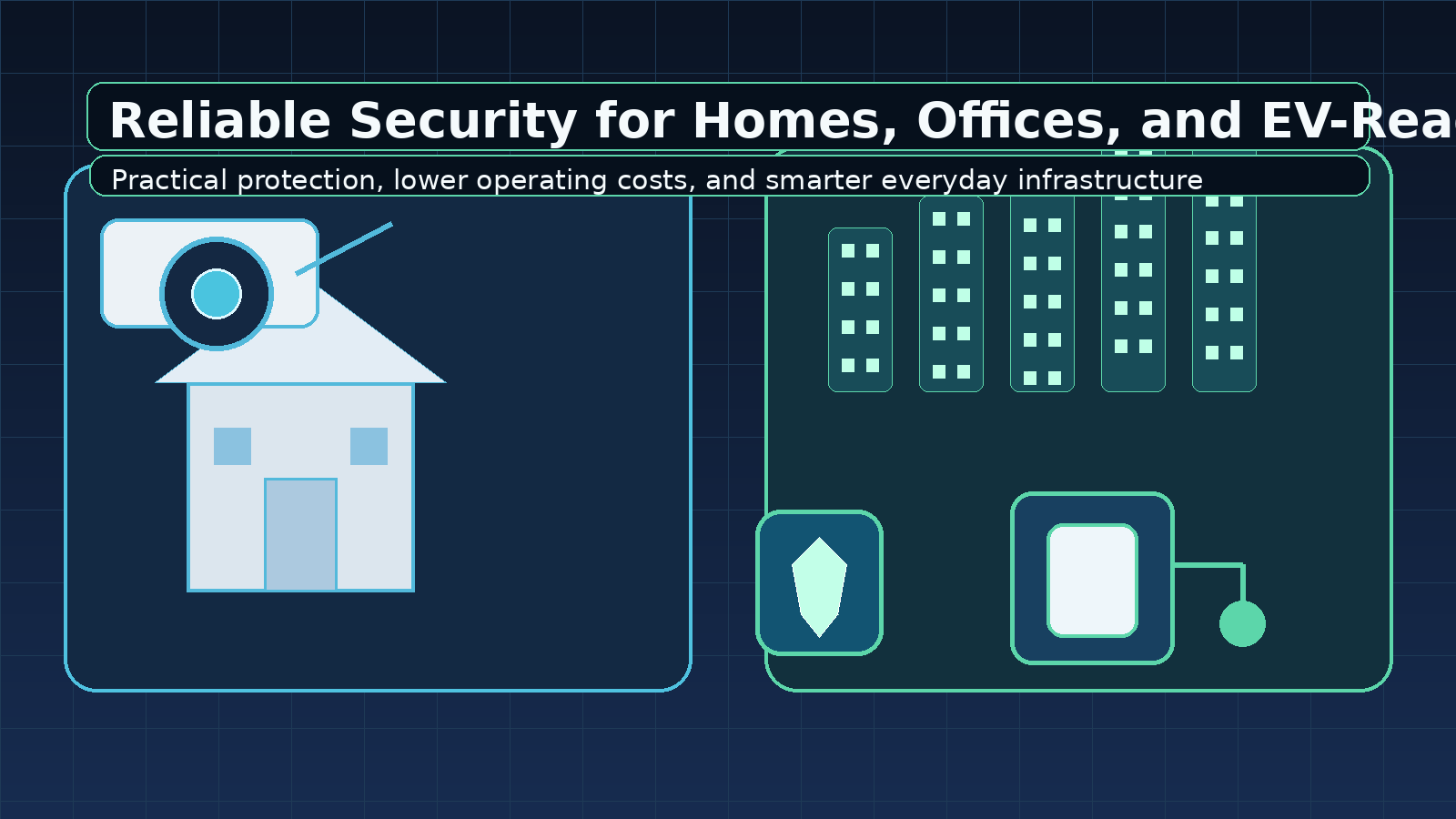
    Illustration of secure home and office properties with CCTV and EV charging infrastructure
    Security and EV infrastructure both work best when the property is planned around real daily use.

    Why reliable home and office security matters now

    For homes, security is not just about stopping theft. It is also about knowing who is at the gate, whether delivery people reached the right place, whether the garage and side access points are visible, and whether the family can respond quickly to unusual activity. For offices, security supports continuity: staff can work confidently, visitors can be managed properly, and managers can review incidents without guessing.

    Modern security systems are more useful when they are reliable instead of decorative. That means cameras that actually cover the critical points, storage that keeps footage long enough for real review, remote viewing that works when nobody is on site, and access controls that are easy to manage. The best systems reduce uncertainty. They give property owners a clearer picture of what is happening, not just a pile of recordings.

    In many cases, the value is operational. A business spends less time searching for footage. A homeowner gets faster answers after a delivery issue or suspicious visit. A building manager can show evidence when a tenant or supplier asks what happened. Security only feels expensive when it is poorly planned. When it is done well, it saves time, reduces risk, and protects trust.

    What dependable security and safety should include

    • Clear coverage: entrances, exits, driveways, parking, gates, reception areas, storage rooms, and other high-risk zones.
    • Good image quality: enough detail for day and night review, with proper camera placement and lighting.
    • Useful alerts: motion or event awareness that helps people respond faster instead of watching every frame manually.
    • Secure access: strong passwords, controlled user permissions, and safe remote viewing options.
    • Maintenance discipline: firmware updates, storage checks, camera cleanup, and periodic review of coverage and retention.

    These basics matter because safety is now part of everyday operations. Homes have more deliveries, more devices, and more activity. Offices have more visitors, hybrid routines, and more pressure to prove accountability. Reliable security is no longer a luxury feature. It is part of how modern properties function.

    Why EVs are increasingly attractive today

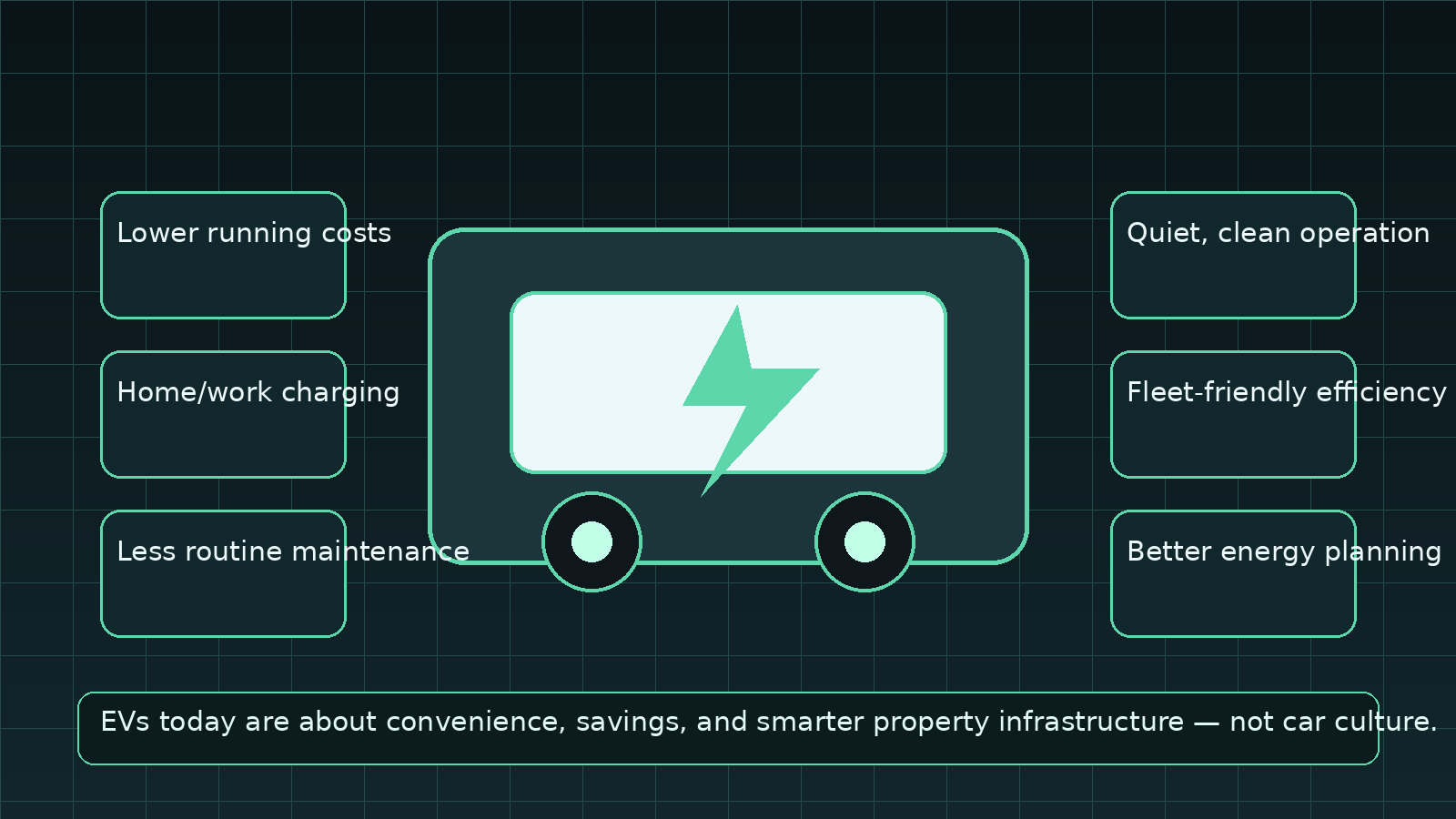
    Electric vehicles are gaining ground for a simple reason: the benefits are becoming practical, not theoretical. Owners are looking at lower running costs, less dependence on fluctuating fuel prices, easier home or workplace charging, and reduced routine maintenance. For many people, the draw is not image or performance. It is everyday convenience.

    For homeowners, the appeal includes overnight charging and a more predictable daily routine. For office buildings and business properties, EV charging can improve employee convenience and support tenant value. For fleet operators, EVs can reduce fuel dependency and help planning teams better understand total operating costs. In a market where cost control matters, those advantages are meaningful.

    Illustration of EV benefits such as lower costs and charging convenience
    EV ownership today is increasingly about convenience, efficiency, and practical infrastructure.

    EVs also fit a broader property strategy. A modern home or office that already thinks about energy, access, safety, and connectivity is better prepared for charging infrastructure. The same discipline used for reliable security applies here: assess the site, understand power needs, plan the layout, manage access, and keep the system easy to use.

    There are also community-wide benefits that matter to decision-makers. Quieter operation can improve the feel of residential streets and business campuses. Fewer moving parts can simplify routine maintenance planning. And for organizations with sustainability goals, EV adoption can support cleaner operations without requiring a dramatic change in how employees or fleets function day to day. That makes the transition easier to justify.

    How security and EV planning connect

    These two topics may seem separate, but they share a common lesson: good infrastructure should make life simpler. A secure property reduces stress and confusion. A well-planned EV setup reduces charging friction and helps people adopt cleaner transport without daily hassle. Both require thoughtful placement, dependable equipment, and a realistic view of how the space is actually used.

    That is why homeowners, office managers, facility teams, and property owners should think in systems rather than devices. A camera alone is not a security plan. A charger alone is not an EV strategy. The value comes from the design behind them: the way they fit the building, the network, the users, and the daily operating routine.

    When both are planned together, the result is a property that feels more modern and easier to manage. Security supports confidence. EV readiness supports convenience. Each one helps the other by making the site more orderly, more predictable, and more attractive to the people who use it every day.

    A practical next step for decision-makers

    If you are reviewing your home or office this year, start with three questions: Which areas need better security visibility? Which parts of the property would benefit from safer, easier access? And if EVs are part of your future, where would charging fit naturally without disrupting the site?

    For many properties, the answer is to improve the basics first: camera coverage, secure remote access, clear storage, and reliable power planning. From there, EV charging can be added in a way that feels orderly rather than improvised. That is the kind of upgrade that lasts.

    One final point is worth remembering: the best time to plan is before a problem forces the decision. A property that is safe, observable, and ready for modern energy use will always be easier to manage than one that is patched together later. That is true for a home, an office, and any space where people depend on reliability.

    Need help planning security, safety, or EV infrastructure? Infotouch can help you assess the property, identify the best coverage or charging locations, and recommend a setup that fits real use. Contact the team through the Infotouch contact page or call +63 918 967 6718 to discuss next steps.

  • Zero Trust Security for IP Cameras

    Zero Trust Security for IP Cameras

    Surveillance is entering a new phase in 2026. For many Metro Manila businesses, the CCTV system is no longer a closed set of cameras connected to a recorder in a back office. It is now a network of IP cameras, video analytics, mobile access, cloud or hybrid storage, remote monitoring, and integrations with alarms, access control, and building systems. That shift creates value, but it also changes the risk profile.

    Metro Manila security operations center monitoring cyber-secure IP camera systems with zero trust controls
    Modern surveillance programs now need cyber controls around every IP camera, NVR, and remote monitoring connection.

    The strongest current trend for commercial security teams is the move toward zero trust for IP camera environments. Recent industry reporting has highlighted reconnaissance botnets, IoT attack growth, CCTV vulnerability alerts, and renewed concern over exposed camera infrastructure. At the same time, businesses want remote visibility across offices, warehouses, retail branches, construction sites, and mixed-use properties. The result is clear: surveillance systems must be designed as cyber-secure business infrastructure, not just as physical security equipment.

    Why this matters now

    Three market shifts are converging. First, more companies are replacing analog or isolated CCTV with IP-based cameras and smart video analytics. Second, management teams expect authorized staff to view incidents from laptops and phones, especially for multi-site operations. Third, attackers increasingly scan for exposed IoT devices, weak credentials, outdated firmware, and poorly segmented networks. A camera system that helps operations today can become an entry point tomorrow if it is deployed like a simple appliance.

    For businesses in Metro Manila and nearby commercial areas, the stakes are practical. A compromised camera can expose sensitive video, reveal site routines, disrupt investigations, or become a foothold into the corporate network. A poorly configured recorder can fail when evidence is needed most. An unmanaged remote viewing setup can create access that outlives employees, contractors, or third-party guards. These are not only IT problems; they affect safety, continuity, compliance, and brand trust.

    From “install and record” to managed surveillance infrastructure

    Traditional CCTV projects often focused on coverage: where to place cameras, how many days of recording to retain, and how to retrieve footage after an incident. Those requirements still matter, but they are no longer enough. A modern surveillance project should also define who can access video, how devices are isolated, how firmware is maintained, how remote sessions are authenticated, and how system health is monitored.

    Consider a warehouse in Valenzuela or Parañaque with perimeter cameras, loading bay coverage, and remote management review. If cameras sit on the same flat network as office computers, a compromised endpoint can potentially discover and attack camera devices. If the NVR has default credentials or an open management port, the risk increases further. If footage is stored only on-site with no redundancy, a fire, flood, theft, or equipment failure can remove the evidence trail. Zero trust thinking helps close these gaps by assuming that every device, user, and connection must be verified and limited.

    What zero trust means for IP cameras

    Zero trust does not mean making surveillance difficult to use. It means granting the minimum access required, continuously protecting the environment, and removing assumptions that “inside the network” automatically means safe. For CCTV and smart surveillance, this translates into concrete design decisions.

    • Network segmentation: IP cameras, NVRs, analytics servers, and viewing stations should be separated from general office traffic using VLANs, firewall policies, and controlled routing.
    • Strong identity and access: Remote viewing should use named accounts, role-based permissions, multi-factor authentication where supported, and fast revocation when users leave or change roles.
    • Secure device lifecycle: Cameras and recorders should be procured from trusted sources, hardened during installation, documented, patched, and reviewed periodically.
    • Encrypted and resilient storage: Footage should be protected in transit and at rest where possible, with retention aligned to operational and compliance needs.
    • Monitoring and auditability: Failed logins, offline cameras, storage warnings, configuration changes, and unusual access should trigger review instead of being discovered after an incident.
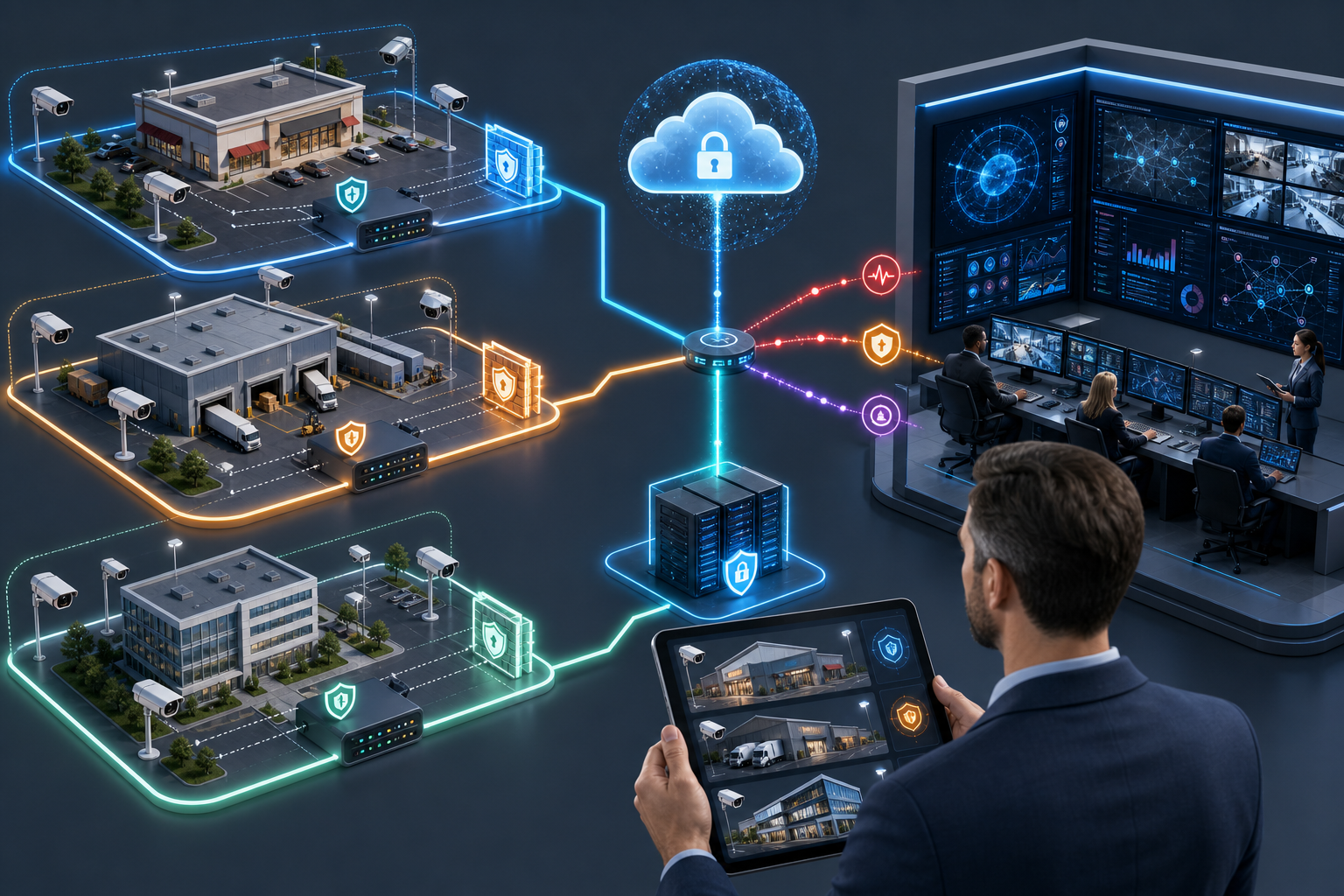
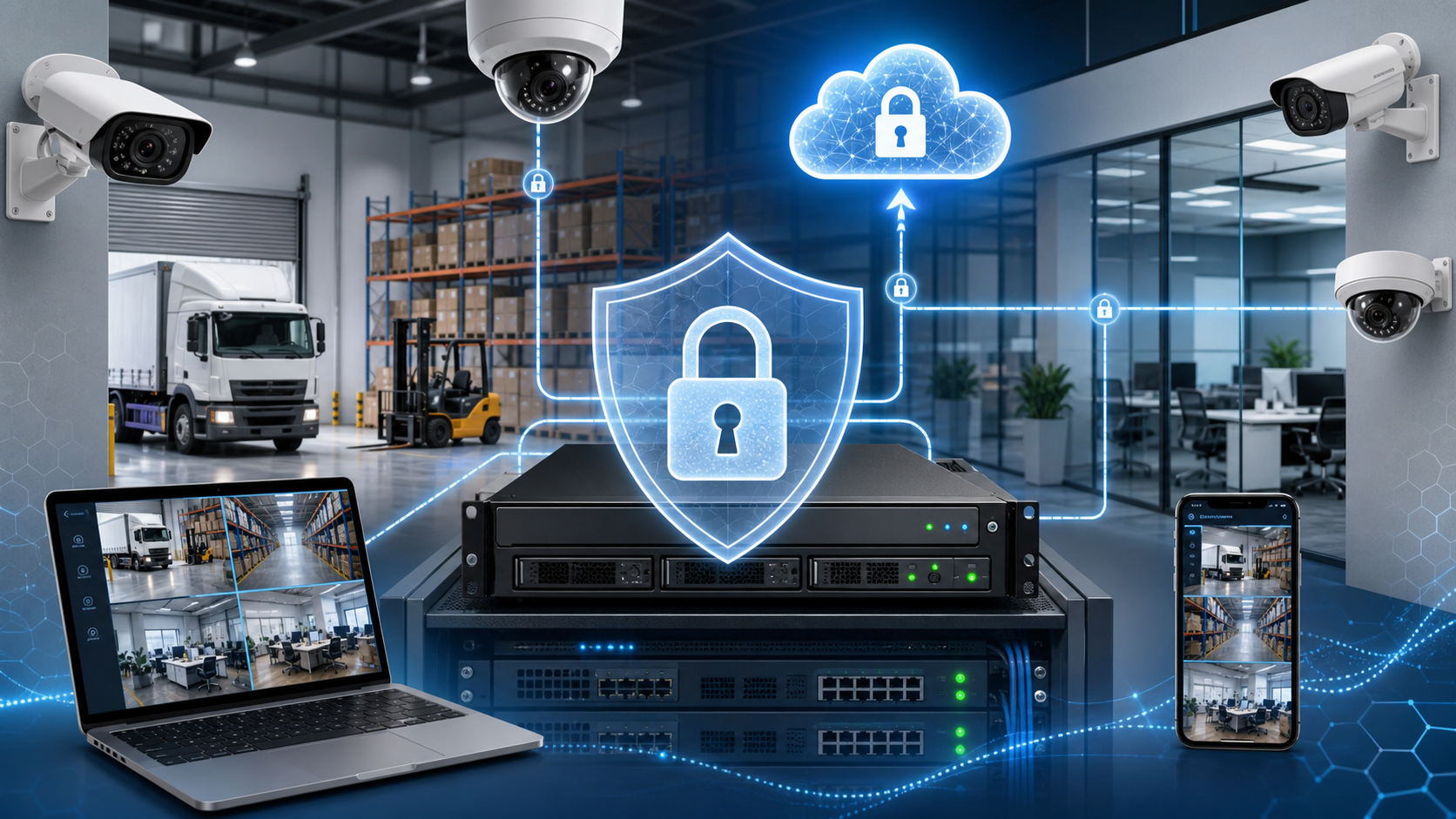
    Secure multi-site CCTV network with segmented IP cameras, encrypted storage, and remote monitoring alerts
    Segmented networks, controlled remote access, and monitored storage help make surveillance resilient instead of exposed.

    Business value: fewer blind spots, better evidence, lower operating risk

    The ROI is not limited to avoiding cyber incidents. A cyber-secure surveillance architecture improves day-to-day operations. Facility managers can confirm that cameras are online before a critical event. Security teams can investigate incidents faster because footage is searchable, retained, and protected. Operations heads can centralize oversight of multiple sites without giving broad uncontrolled access to every branch. IT managers can support remote monitoring without opening unnecessary ports or accepting unmanaged devices on the network.

    Retailers can reduce shrinkage by combining clear camera coverage with controlled evidence handling. Offices can improve employee and visitor safety while reducing privacy exposure through better access control. Warehouses and logistics sites can monitor loading areas, gates, and restricted zones while keeping camera traffic separate from business applications. Property managers can standardize surveillance across tenants and common areas instead of maintaining inconsistent, hard-to-audit systems.

    The financial case also becomes stronger when viewed against downtime and incident costs. A recorder failure during a theft investigation, a camera outage at an entry point, or unauthorized access to sensitive footage can create expensive consequences. Modernization reduces these risks while supporting faster response, better accountability, and more predictable maintenance.

    A practical modernization roadmap

    Organizations do not need to replace everything at once. The best approach is to assess the current environment, prioritize the highest-risk gaps, and phase improvements by site criticality.

    • Inventory the system: Document camera models, recorder capacity, firmware versions, IP ranges, user accounts, remote access methods, and retention settings.
    • Identify exposure: Check for shared passwords, unmanaged internet access, unsupported devices, weak network separation, and footage storage single points of failure.
    • Segment and harden: Move surveillance devices into controlled network zones, disable unused services, change defaults, and align permissions with job roles.
    • Upgrade where impact is highest: Prioritize entrances, cash handling areas, loading bays, server rooms, perimeters, and sites with recurring incidents or compliance requirements.
    • Establish operations discipline: Schedule health checks, firmware reviews, user access reviews, and incident retrieval testing so the system remains reliable after installation.

    What decision-makers should ask before the next CCTV upgrade

    Before approving a camera refresh, management should ask more than “How many cameras do we need?” The better questions are: Can we securely view multiple sites? Are cameras isolated from business systems? Who can access live and recorded video? How quickly can access be removed? What happens if the NVR fails? Are firmware and passwords maintained? Can the system support analytics without creating unnecessary privacy or cybersecurity risk?

    These questions turn CCTV from a one-time procurement into a managed security capability. They also help IT, facilities, security, and operations teams align around one architecture instead of treating surveillance as a separate silo.

    Next step for Metro Manila businesses

    If your business is expanding sites, enabling remote monitoring, adding video analytics, or replacing aging cameras, 2026 is the right time to include cybersecurity in the surveillance design. Infotouch can help assess your current CCTV environment, identify exposure points, and design an IP camera, NVR, storage, and monitoring setup that supports both physical security and network resilience.

    The goal is straightforward: better visibility without unnecessary exposure. A zero-trust approach to IP cameras helps protect people, property, evidence, and operations while giving decision-makers the modern monitoring capabilities they now expect.

  • Privacy-Ready Video Analytics

    Privacy-Ready Video Analytics

    Metro Manila businesses are moving beyond “record and review” CCTV. In 2026, the more urgent shift is toward privacy-ready video analytics: security camera systems that can detect operational risk in real time while keeping data access, retention, and evidence handling under control. For offices, retail branches, warehouses, condominiums, schools, clinics, and mixed-use buildings, this is no longer a technology upgrade for convenience. It is becoming a governance and resilience requirement.

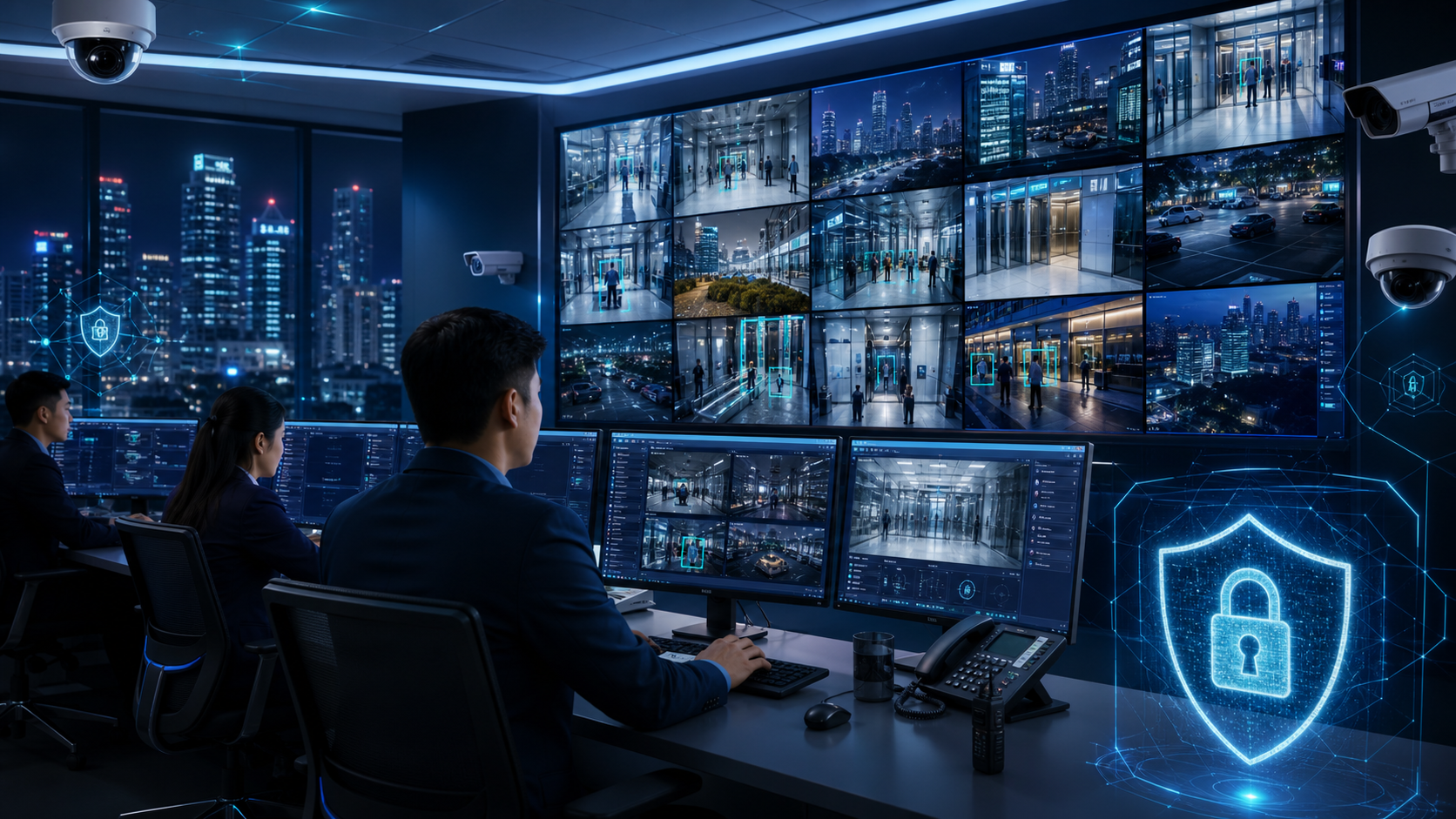
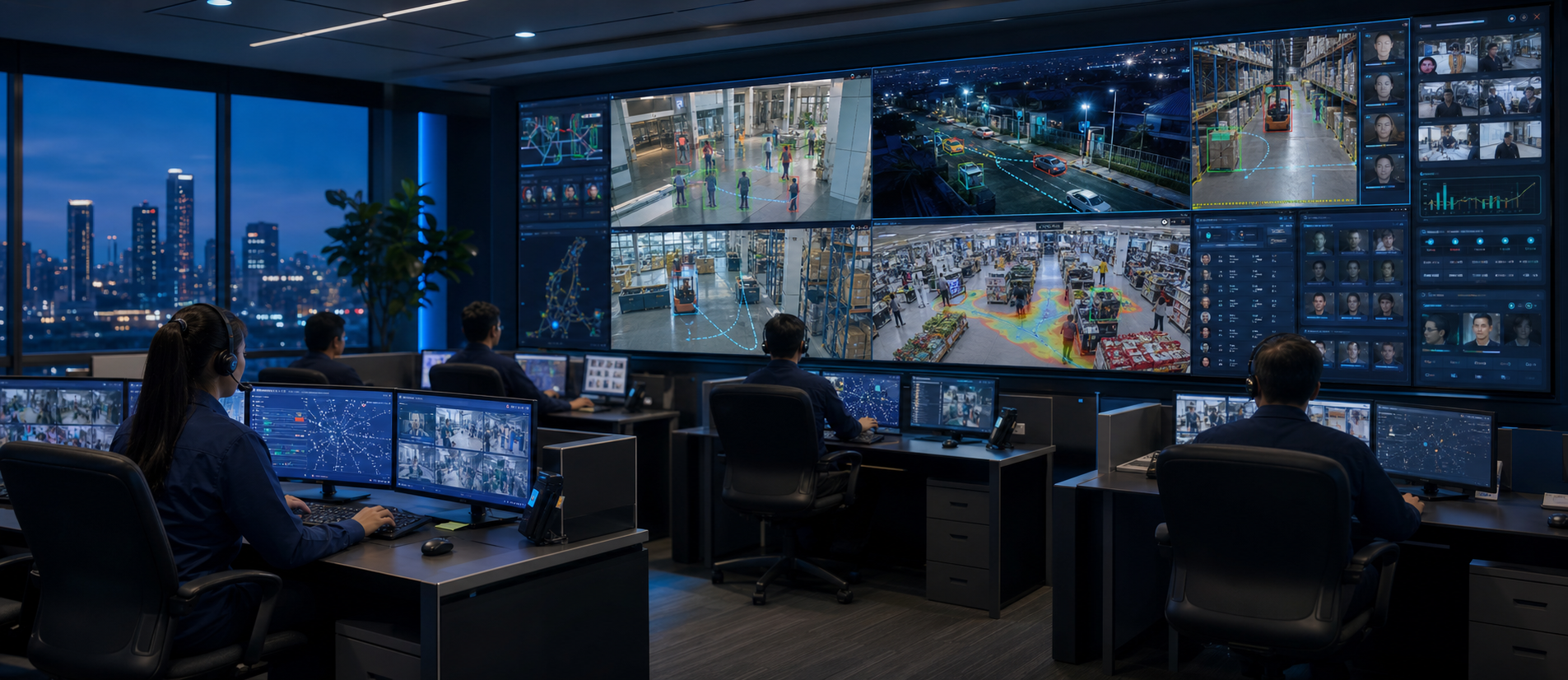
    Security operations team monitoring AI video analytics across multiple Metro Manila business sites
    A smart surveillance operations view consolidates AI alerts from office, warehouse, and retail cameras.

    The timing matters. Security teams are being asked to monitor more locations with fewer people on-site, respond faster to incidents, and provide clearer evidence after disputes, theft, safety events, or unauthorized access. At the same time, decision-makers are more conscious of privacy obligations, employee expectations, tenant concerns, and the reputational risk of poorly governed surveillance. The result is a new requirement: CCTV must become smarter, but it must also become more controlled.

    Why this trend matters now

    Traditional CCTV has a familiar weakness: it records a large volume of footage, but businesses often discover incidents only after damage is done. Reviewing hours of video after a loss, complaint, delivery discrepancy, or break-in is slow and inconsistent. As branches multiply and sites operate longer hours, the gap between what cameras capture and what managers can actually use becomes a business risk.

    Video analytics changes the operating model. Instead of relying only on human watching or after-the-fact review, modern systems can flag events such as line crossing, loitering, after-hours motion, abandoned objects, people counting anomalies, tailgating at access points, vehicle movement in restricted zones, or crowd build-up in sensitive areas. More advanced deployments can route alerts to a monitoring team, security desk, facility manager, or off-site operations lead with supporting video clips and timestamps.

    What is different in 2026 is that businesses are evaluating analytics together with data governance. Management teams want to know who can view live feeds, how long footage is retained, whether exported clips are traceable, how cameras are segmented from the corporate network, and whether the system can support investigations without creating unnecessary exposure. A camera system that is intelligent but poorly controlled can introduce its own compliance and cybersecurity problems.

    The business risks of staying with passive CCTV

    For many organizations, the cost of an outdated surveillance setup is hidden until an incident occurs. A retail store may have cameras but still miss repeated shelf losses because the footage is never reviewed proactively. A warehouse may capture gate activity but lack analytics to identify unusual vehicle movement after operating hours. An office building may retain video for too short a period to support a delayed complaint. A multi-site company may have different recorder settings, weak passwords, and no consistent access policy across branches.

    These gaps affect more than security. They can increase insurance friction, weaken HR or tenant investigations, slow down incident reporting, and create uncertainty during customer or supplier disputes. In a high-density business environment like Metro Manila, where facilities often combine employees, contractors, deliveries, visitors, shared parking, and leased spaces, unclear video evidence can quickly become an operational issue.

    There is also a network security angle. IP cameras and NVRs are connected devices. If they are installed with default credentials, outdated firmware, open remote access, or flat network placement, they can become entry points into the broader environment. A modern surveillance project should therefore include both physical security design and IT security controls.

    What “privacy-ready” video analytics looks like

    A privacy-ready system does not mean reducing security visibility. It means designing surveillance so the organization captures useful evidence while limiting unnecessary access and ambiguity. For Philippine businesses, this is especially important when cameras cover employee work areas, customer-facing spaces, common areas, lobbies, entrances, elevators, parking zones, and logistics points.

    Practical controls include role-based access, named user accounts instead of shared logins, audit logs for viewing and exporting footage, retention rules aligned with business need, camera placement review, documented escalation procedures, and secure remote access for authorized users. Where analytics are used, organizations should define which events are monitored, who receives alerts, and how false alarms are reviewed and tuned.

    The objective is to prevent “surveillance sprawl.” Without governance, more cameras and more alerts can create confusion. With proper design, analytics can reduce noise, focus attention on higher-risk events, and make response more consistent across locations.

    AI-enabled perimeter cameras monitoring a commercial loading bay and vehicle entrance
    Modern perimeter security pairs IP cameras, analytics rules, and response workflows for higher-risk access points.

    Operational value and ROI

    The strongest business case for video analytics is not simply that cameras become more advanced. It is that the system reduces time-to-awareness and time-to-evidence. A facility manager can receive an alert when a restricted loading bay is accessed after hours. A security supervisor can review a short incident clip instead of scanning a full night of footage. A property manager can compare visitor flow against staffing levels. A retail operations head can use heat and dwell patterns to improve coverage of high-loss areas while maintaining appropriate controls.

    ROI can come from fewer unmanaged incidents, faster investigations, reduced manual review, better guard deployment, stronger vendor accountability, and improved continuity during staffing gaps or weather-related disruptions. For multi-site organizations, standardized analytics and retention policies can also reduce the complexity of managing different camera brands, recorders, and remote access methods.

    The key is to avoid buying analytics as a feature checklist. Decision-makers should start with the events that create business risk: unauthorized entry, after-hours movement, queue build-up, stockroom access, perimeter breaches, vehicle exceptions, safety zone violations, or recurring disputes. The system design should then map cameras, network capacity, NVR or cloud storage, alert workflows, and reporting around those risks.

    Implementation priorities for Metro Manila organizations

    A practical upgrade path begins with an audit of the current environment. Review camera coverage, image quality, blind spots, recorder health, retention duration, remote access settings, user accounts, firmware status, and network segmentation. Identify which locations are business-critical and which incidents have caused repeated losses, delays, complaints, or management escalation.

    Next, define analytics use cases by site type. Offices may prioritize lobby monitoring, access point activity, visitor flow, and after-hours motion. Warehouses may focus on loading bays, perimeter zones, vehicle movement, and restricted storage areas. Retail locations may prioritize high-value shelves, cashier areas, stockrooms, and queue conditions. Property managers may need common-area visibility, parking entrances, elevator lobby coverage, and incident retrieval procedures.

    Finally, align the technology with governance. Establish who owns surveillance policy, who can view footage, who can export evidence, how long recordings are kept, how alerts are documented, and how system health is monitored. For many businesses, the best outcome is a hybrid approach: edge analytics for fast local detection, NVR or cloud-assisted storage for resilience, and secure remote access for authorized managers.

    A clear next step

    Privacy-ready video analytics is becoming a priority because it connects security, operations, compliance, and business continuity. The organizations that benefit most are not necessarily those with the most cameras. They are the ones that know which risks they need to detect, how alerts should be handled, and how evidence should be protected.

    Infotouch can help businesses assess existing CCTV environments, modernize IP camera and NVR deployments, design analytics-ready coverage, secure remote monitoring, and align surveillance systems with practical governance requirements. For Metro Manila companies planning a security refresh in 2026, the right starting point is a site and risk assessment—not another isolated camera purchase.

  • Hybrid Cloud CCTV for Business Continuity

    Hybrid Cloud CCTV for Business Continuity

    For many Metro Manila businesses, CCTV used to be treated as a site-level system: cameras, a recorder in the back office, and footage reviewed only after an incident. That model is changing quickly. As companies operate across multiple branches, warehouses, offices, clinics, construction sites, and retail locations, video is becoming part of a broader business continuity and risk management strategy. The strongest current shift is not simply “more cameras.” It is the move toward hybrid cloud CCTV storage: keeping critical recording on a local NVR while adding secure cloud access, off-site backup, centralized visibility, and smarter retention policies.

    This matters now because security teams are being asked to do more with the same headcount. Facilities are open longer, logistics and delivery operations are more distributed, and managers expect to verify events from anywhere. At the same time, local recorders remain vulnerable to power issues, network outages, device failure, tampering, theft, flooding, and accidental misconfiguration. A camera system that records only inside one site can leave a business blind at exactly the moment evidence is most valuable.

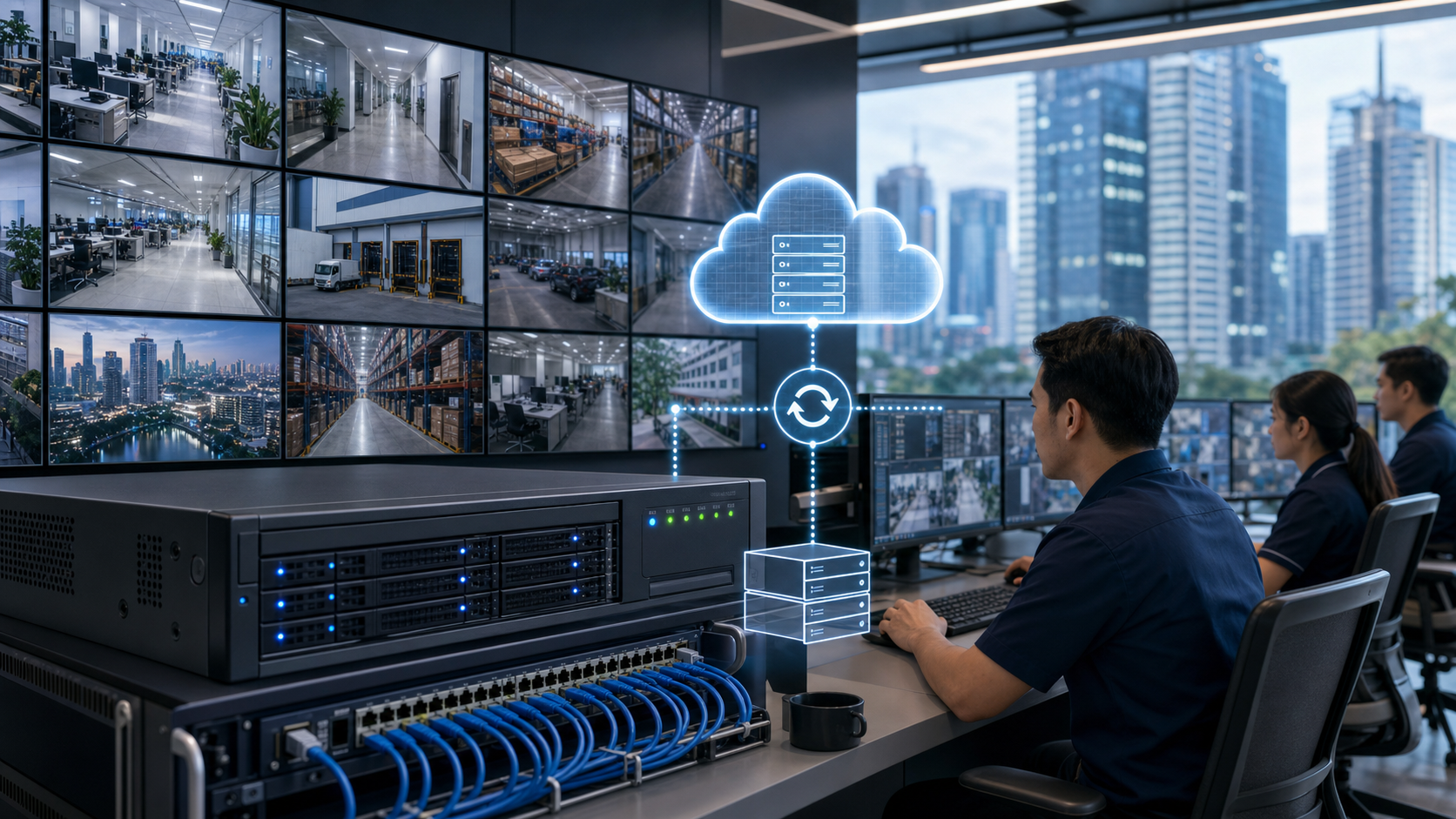
    Hybrid cloud CCTV storage illustration showing local NVR and cloud backup for business continuity

    Hybrid cloud CCTV storage for business continuity

    Why hybrid storage is gaining momentum

    Purely local CCTV still has advantages: predictable recording, no dependence on internet bandwidth for every camera stream, fast playback inside the premises, and lower recurring costs for high-volume footage. Pure cloud video also has advantages: remote access, easier multi-site management, off-site protection, and simpler sharing with authorized stakeholders. The reason hybrid storage is gaining attention is that businesses increasingly need both.

    In a hybrid design, the NVR continues to record on-site for day-to-day operations and high-resolution retention. Cloud services are then used selectively: event clips, bookmarked incidents, health alerts, snapshots, remote viewing, user access logs, or backup footage for the most sensitive cameras. This approach is practical for Philippine business environments where internet reliability, upload speed, power conditions, and cost control must all be considered. It gives decision-makers resilience without forcing every site into an expensive cloud-only model.

    Hybrid CCTV architecture illustration showing cameras, local recorder, and secure cloud backup

    Hybrid CCTV architecture

    For example, a retail chain may keep thirty days of continuous recording locally while sending motion-triggered clips from entrances, cash areas, stock rooms, and loading bays to a secure cloud repository. A warehouse may store high-resolution footage on the NVR but back up perimeter alerts and after-hours intrusion events. An office building may centralize lobby, elevator, parking, and server room clips for faster review by property management. These are not technology experiments; they are operational improvements tied directly to response time and evidence quality.

    The business risk of relying only on local recording

    Local NVRs are often placed in convenient locations rather than protected environments. If an incident involves an insider, a break-in, or a fire, the recorder itself may be damaged or removed. Even when the device remains intact, footage can be lost through hard drive failure, incorrect overwrite settings, weak passwords, or poor network segmentation. For organizations with multiple branches, another risk is delay: someone must physically visit the site or ask local staff to export video, which can slow investigations and create inconsistent evidence handling.

    There is also a governance issue. Many businesses do not have a clear answer to basic questions: which cameras are recording, how long footage is retained, who can view it remotely, whether the timestamp is accurate, and whether the system is receiving firmware updates. As surveillance becomes more connected, these questions are no longer just facilities concerns. They affect IT security, privacy compliance, insurance claims, labor disputes, audit readiness, and customer trust.

    Operational value beyond security

    The ROI case for hybrid cloud CCTV is strongest when leaders view video as an operational asset, not only as a deterrent. Faster remote verification can reduce unnecessary dispatches. Centralized monitoring can help head office teams compare site conditions without waiting for manual reports. Incident clips can support training, safety reviews, stock discrepancy investigations, contractor management, and service quality checks.

    Consider a distribution company with several small warehouses around Metro Manila and nearby provinces. If a delivery dispute occurs, the operations team needs to verify gate activity, loading sequence, vehicle movement, and handover timing. With a local-only system, evidence retrieval may depend on the availability and skill of on-site personnel. With a hybrid setup, authorized managers can review relevant clips quickly, preserve them before overwrite, and share them securely with the right stakeholders.

    For property managers, hybrid storage also improves continuity during emergencies. If access to a building is restricted after a flood, fire, civil disturbance, or power event, cloud-backed clips and system health dashboards can still provide visibility into what happened before and during the disruption. For IT managers, the benefit is standardization: consistent camera naming, retention rules, user permissions, network policies, and maintenance routines across sites.

    What businesses should modernize first

    A practical upgrade does not need to replace every camera immediately. The first step is to identify which video is most business-critical. Entrances, receiving areas, cashier points, parking access, perimeter lines, server rooms, stock rooms, and executive or high-traffic areas usually deserve stronger retention and remote visibility. These camera groups can be prioritized for hybrid backup, better analytics, and tighter access controls.

    Next, evaluate the current recorder and storage health. Many systems are technically “working” but have hidden weaknesses: aging drives, insufficient capacity for newer high-resolution cameras, missing RAID or backup strategy, poor time synchronization, default passwords, unsupported firmware, or no alert when recording stops. A short audit can reveal whether the existing NVR can support the next three to five years of business requirements.

    Bandwidth planning is equally important. Hybrid cloud CCTV does not mean uploading every stream at full resolution all day. A well-designed system uses event-based upload, schedules, compression, camera-side analytics, and retention tiers. The goal is to protect the footage that matters most while keeping network performance stable for business applications such as POS, ERP, Wi-Fi, VoIP, and cloud productivity tools.

    Cybersecurity and privacy cannot be afterthoughts

    As CCTV becomes more cloud-connected, camera cybersecurity becomes part of enterprise risk management. IP cameras and NVRs should be isolated from guest Wi-Fi and general office traffic, protected with strong passwords and role-based access, and maintained with firmware updates. Remote access should avoid unsafe port forwarding where possible and use secure vendor platforms, VPN, or properly managed access controls. Logs should show who viewed, exported, or shared footage.

    Privacy also matters. Businesses should define who may view live and recorded video, how long footage is retained, and how requests are handled. Signage, documented policies, and limited access help reduce misuse and support compliance expectations. For companies operating in customer-facing environments, responsible video management protects both the organization and the people being recorded.

    A modern CCTV roadmap for Metro Manila businesses

    The most effective roadmap starts with a site and risk assessment. Map cameras against business-critical areas, verify blind spots, test actual playback quality, review storage duration, and confirm whether footage can be retrieved after a local equipment failure. From there, choose a hybrid architecture that matches operational priorities: local NVR recording for continuous coverage, cloud backup for high-value events, remote monitoring for authorized teams, and analytics for faster detection.

    Infotouch helps businesses approach CCTV modernization as an integrated IT and security project rather than a standalone camera purchase. That includes camera placement, NVR sizing, network readiness, secure remote access, storage planning, user permissions, and ongoing support. For organizations with multiple locations, the result is a more consistent and resilient surveillance environment that supports security, operations, compliance, and continuity.

    The next step is straightforward: review your current CCTV storage and remote access setup before an incident exposes the gaps. If your business depends on local recording only, cannot confirm recorder health remotely, or struggles to retrieve footage across branches, hybrid cloud CCTV storage should be part of your 2026 security upgrade plan.

  • Edge AI CCTV for Metro Manila Sites

    Edge AI CCTV for Metro Manila Sites

    Security camera projects in Metro Manila are entering a different buying cycle in 2026. For years, many companies treated CCTV as a recording tool: install cameras, connect them to an NVR, and review footage only after an incident. That approach is becoming too slow for offices, warehouses, stores, parking areas, residential buildings, and mixed-use facilities that now operate with leaner teams, more delivery activity, hybrid work patterns, and higher expectations for safety.

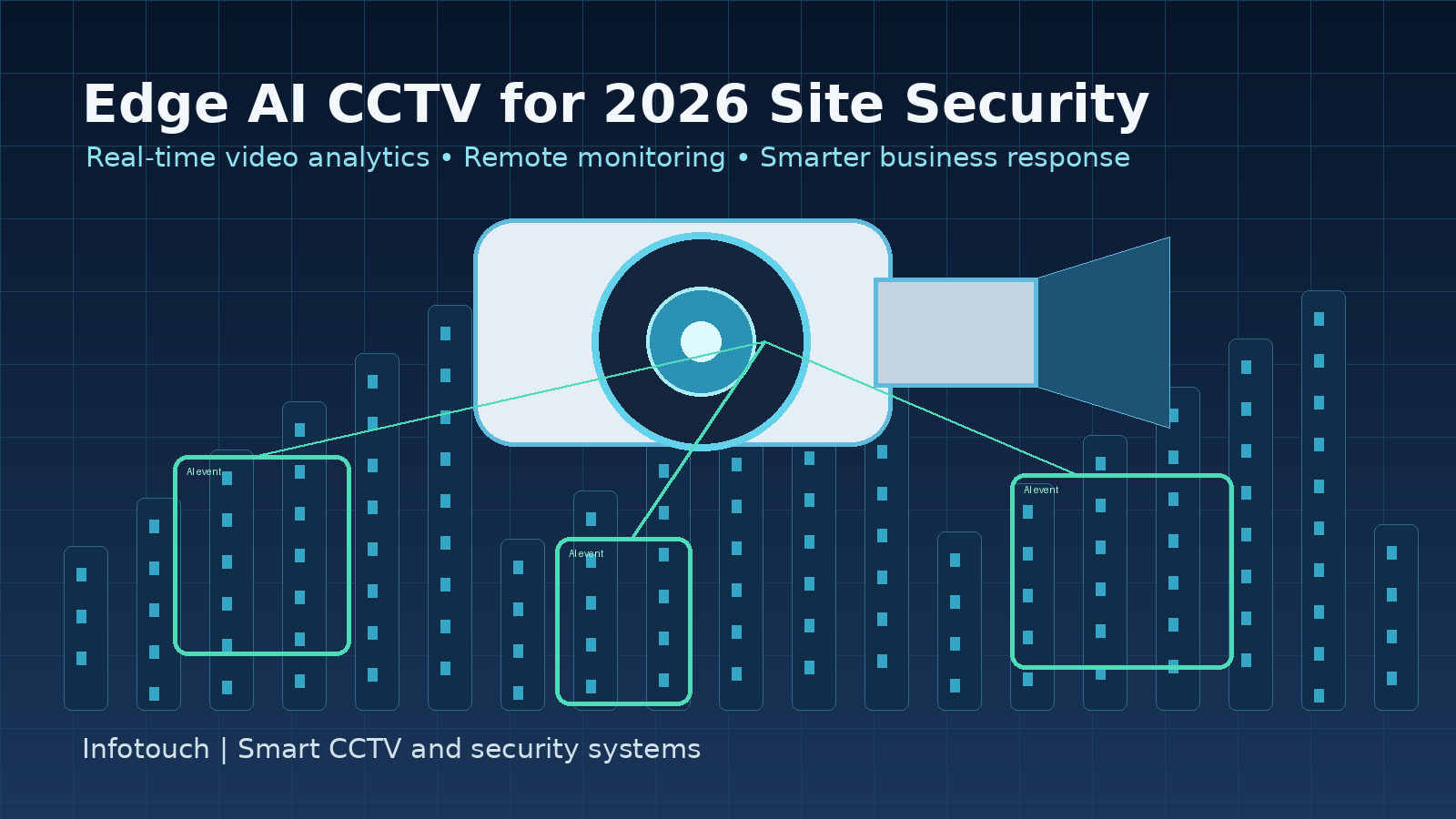
    The current market movement is toward edge AI CCTV: cameras and video systems that can detect people, vehicles, intrusion patterns, line crossings, loitering, crowding, and unusual activity closer to where the video is captured. Recent surveillance trend reports from major industry vendors and security publications point to the same direction: AI, cloud-connected management, cybersecurity, and unified monitoring are becoming central to modern video surveillance decisions. For Philippine businesses, the practical question is no longer “Do we need cameras?” It is “Can our camera system help us respond before a small event becomes a business disruption?”

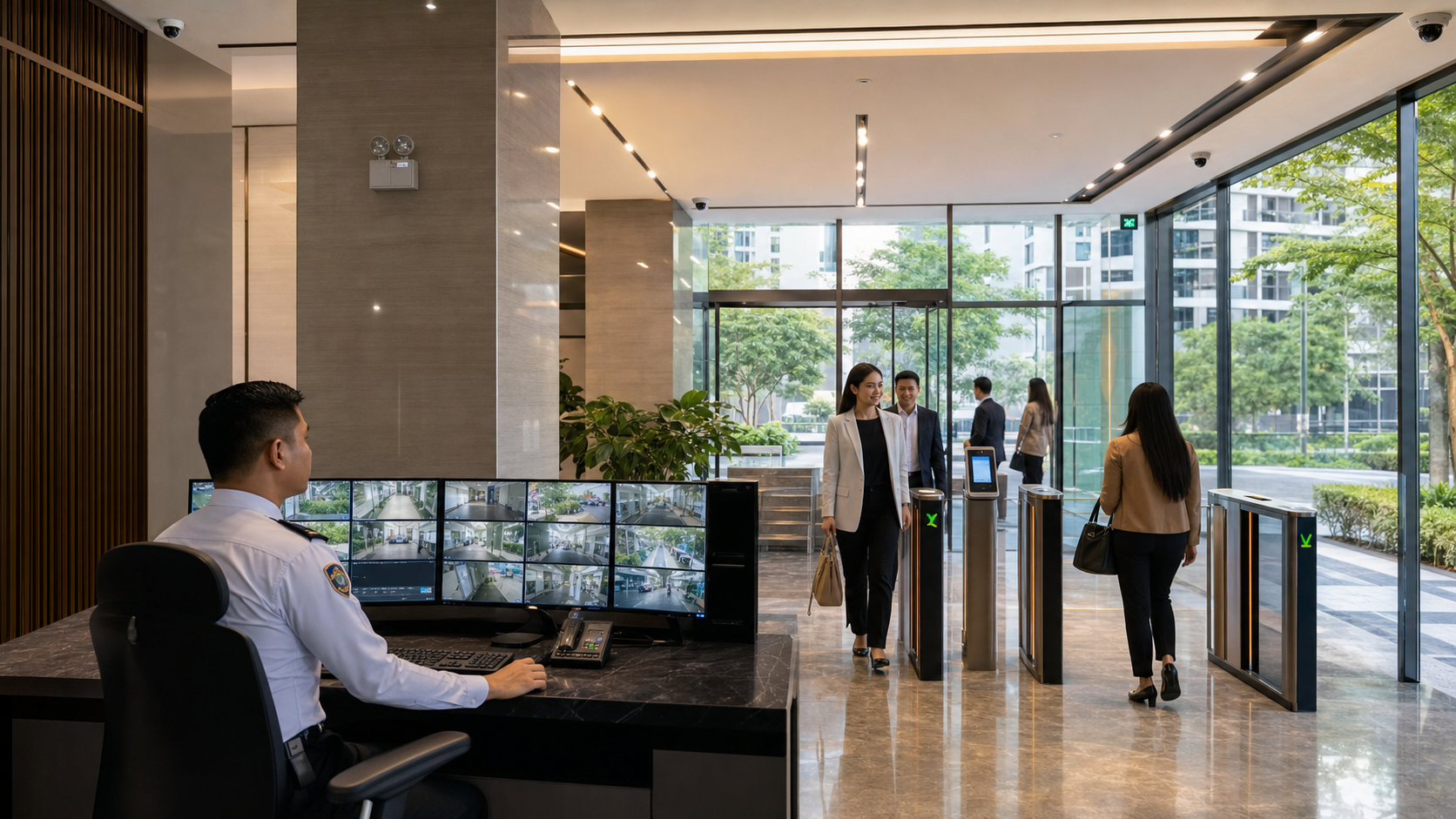
    AI-enabled CCTV camera monitoring a Metro Manila business site with video analytics overlays

    Why edge AI CCTV matters now

    Traditional CCTV depends heavily on human review. If a security guard is watching several screens, important movement can still be missed. If footage is reviewed only after theft, trespassing, equipment damage, or a safety incident, the business has already absorbed the impact. Edge AI changes the value of cameras by adding event awareness at the device or local system level. Instead of recording every moment with equal priority, the system can highlight activity that deserves attention.

    This is timely because business sites have become more operationally complex. Warehouses need to monitor receiving areas, loading bays, stock rooms, and after-hours movement. Retail stores need better visibility over entrances, cashier areas, display shelves, and staff-only zones. Offices and shared buildings need safer access points, visitor movement review, and clearer documentation when incidents are reported. Property managers need camera systems that support multiple stakeholders without creating unnecessary privacy or access risks.

    Edge AI CCTV also responds to a staffing reality. Many companies cannot simply add more guards or assign managers to watch video feeds all day. Analytics can help teams focus on exceptions: a person entering a restricted corridor, a vehicle stopping in a sensitive driveway, repeated movement near a perimeter, or a camera view that is blocked. The goal is not to replace people. The goal is to give people better signals, faster review, and a more reliable operating picture.

    The business risks of staying with basic recording only

    Basic CCTV can still be useful, but it creates gaps when the business expects modern outcomes from an old design. One common risk is delayed discovery. A warehouse may only learn about missing inventory after reconciliation. A store may notice suspicious behavior only after checking sales discrepancies. A building administrator may discover that an entry camera was poorly angled when a tenant asks for footage. In each case, the system technically recorded video, but it did not support timely action.

    Another risk is poor evidence quality. AI analytics are only as good as the video they receive. Cameras placed too high, too far, against glare, or without proper night visibility may produce footage that is difficult to interpret. As AI becomes more common, the quality of camera planning matters more, not less. Businesses that upgrade analytics without fixing blind spots, lighting, retention rules, network reliability, and viewing workflows may be disappointed by the results.

    There is also a cybersecurity angle. IP cameras, NVRs, mobile viewing apps, and cloud access are now part of the business network. Weak passwords, outdated firmware, exposed remote access, and unmanaged user accounts can turn a security system into a new risk. For IT managers, CCTV modernization should include secure configuration, network segmentation where appropriate, controlled access, and clear responsibility for updates and account management.

    Where Metro Manila businesses see the most value

    The strongest use cases are the ones tied to operational outcomes. For a warehouse in Parañaque, Pasig, Caloocan, or nearby logistics corridors, AI-enabled cameras can help monitor loading activity, unauthorized after-hours movement, and vehicle presence near gates. For a retail location in a mall or commercial strip, analytics can support loss prevention, queue awareness, and faster review of customer or staff incidents. For offices in Makati, BGC, Ortigas, Quezon City, or Alabang, better camera placement and remote viewing can improve lobby, parking, server room, and common-area visibility.

    Multi-site businesses may benefit even more. A company operating several branches does not want each site to become a separate, inconsistent security island. Standardized camera layouts, naming conventions, retention settings, user permissions, and remote monitoring workflows make it easier for management to compare sites and respond consistently. This is where CCTV becomes part of business continuity: when an incident happens, decision-makers can quickly understand what occurred, who needs to act, and whether operations can continue safely.

    ROI is not only about preventing theft

    The return on a modern CCTV upgrade is often broader than the value of a single prevented loss. Better video can reduce investigation time, support insurance or incident documentation, improve accountability around deliveries, help managers validate service disputes, and create safer routines for employees and visitors. When cameras are planned correctly, they also reduce wasted spending on devices that do not cover the right areas.

    For facility and operations leaders, the practical ROI question is: how much time and risk does the current system create? If staff spend hours searching footage, if managers cannot view sites reliably, if cameras miss key areas, or if the NVR retention period is too short for real investigations, the system is not delivering full value. Edge AI and remote monitoring can improve that value when they are matched to a clear operating process.

    What to evaluate before upgrading

    • Critical zones: entrances, exits, cashier areas, stock rooms, gates, parking, loading bays, reception, restricted rooms, and blind spots.
    • Event priorities: intrusion, line crossing, loitering, people counting, vehicle activity, object removal, blocked camera views, and after-hours movement.
    • Recording design: storage capacity, retention period, NVR health, backup requirements, and whether cloud or hybrid access is appropriate.
    • Viewing workflow: who can view live feeds, who can export footage, how remote access is secured, and how incidents are escalated.
    • Network security: camera passwords, firmware, VLAN or segmentation needs, mobile app access, account removal, and remote access exposure.
    • Privacy and compliance: signage, access control, retention limits, employee and visitor expectations, and careful placement away from inappropriate areas.

    A practical modernization path

    Businesses do not need to replace every camera at once. A practical approach starts with a site review. Identify the areas where incidents are most likely, where footage is weakest, and where managers need faster visibility. Then decide which cameras should be upgraded to AI-capable models, which views simply need repositioning, and whether the NVR, cabling, network, or remote viewing setup needs improvement.

    For many sites, the best first step is to modernize the highest-risk zones: gates, lobbies, loading areas, stock rooms, and parking entries. From there, the business can standardize naming, permissions, recording rules, and incident review procedures. This staged approach keeps spending controlled while still improving the areas that carry the greatest operational risk.

    Infotouch helps businesses plan CCTV around the property, not just the camera model. That means reviewing the spaces that need coverage, the risks the business wants to reduce, the way footage will be viewed, and whether the system should connect with access control, remote monitoring, or broader site technology. For offices, stores, warehouses, condos, and business properties in Metro Manila and nearby areas, a properly planned CCTV system can improve visibility, response, and confidence.

    Next step for decision-makers

    If your current CCTV system is mostly used after incidents, 2026 is the right time to review whether it can support faster detection and better business continuity. Start by listing the top five areas where better visibility would reduce risk or save management time. Then check whether your cameras, NVR, remote viewing, and access controls are designed around those priorities.

    Need CCTV help? Contact Infotouch to discuss your property type, current camera setup, areas to cover, and whether you need a new installation, an upgrade, or viewing support. Call +63 918 967 6718 or visit the Infotouch contact page to request practical next steps.